BR-6641 User Manual
57
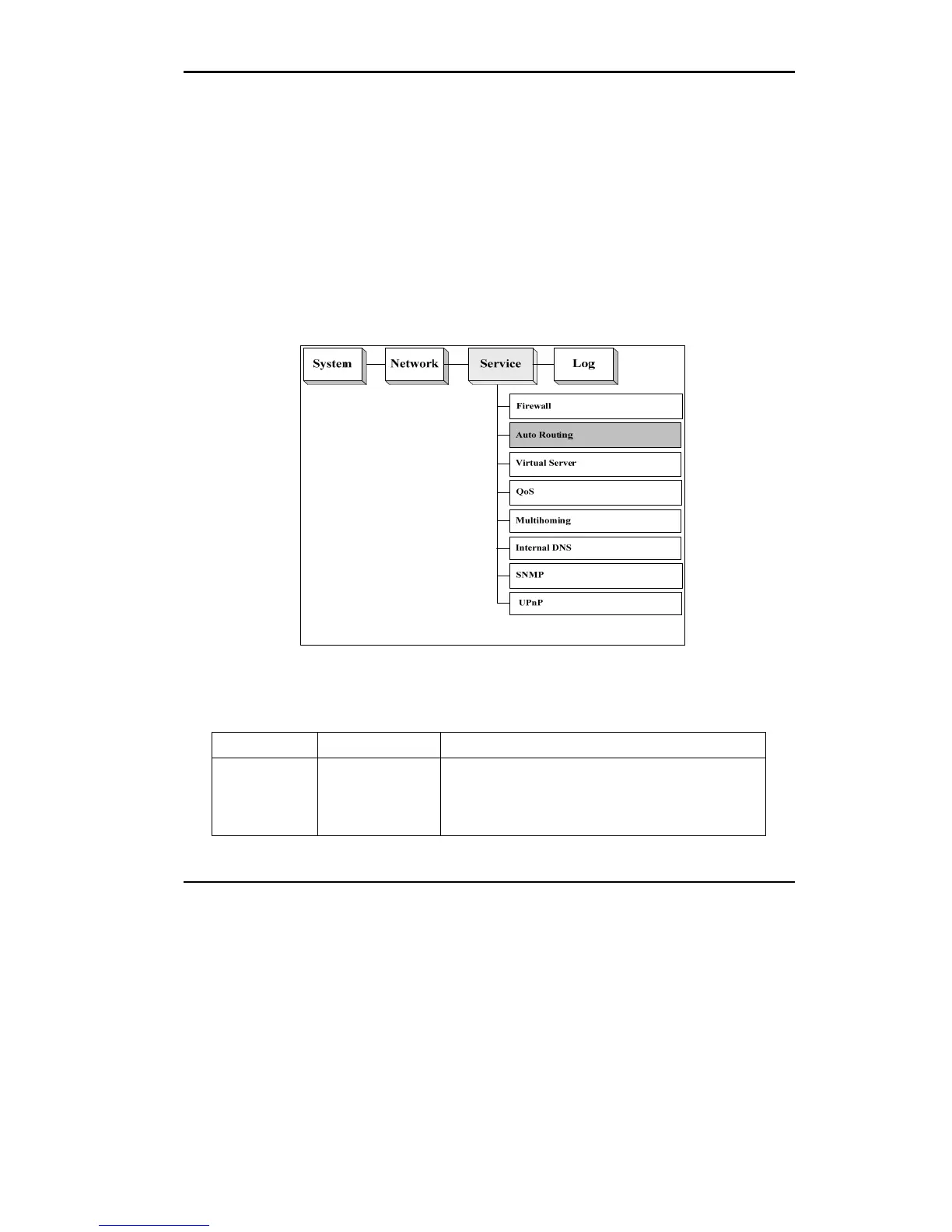
4.2 Auto Routing
Auto Routing service allows administrators to specify how traffic is routed to WAN
links. If you have only one WAN link, default configuration is ok.
If you have multiple WAN links, you may like to setup your routing rules in many
situations. For example, an administrator can reserve a WAN link to a group of
private IP addresses; or an administrator can force an application to take a particular
WAN link depending on the traffic loads in each WAN links.
Figure 4.3 The Location of “Service /Auto Routing” on the Menu Bar
Auto Routing:
Field Value Description
When Busy
Idle
All-Time
Select when the rule will be applied. There are three options
available: Busy hour, idle hour, and All-time. All-time mean
the rule will be applied for all the 24 hours a day. Please
refer to Chapter 2 [System]->[ Date&Time]->[Busyhour
Setting] for setting up the definition of busy or idle hours.















 To Next Page