BR-6641 User Manual
73
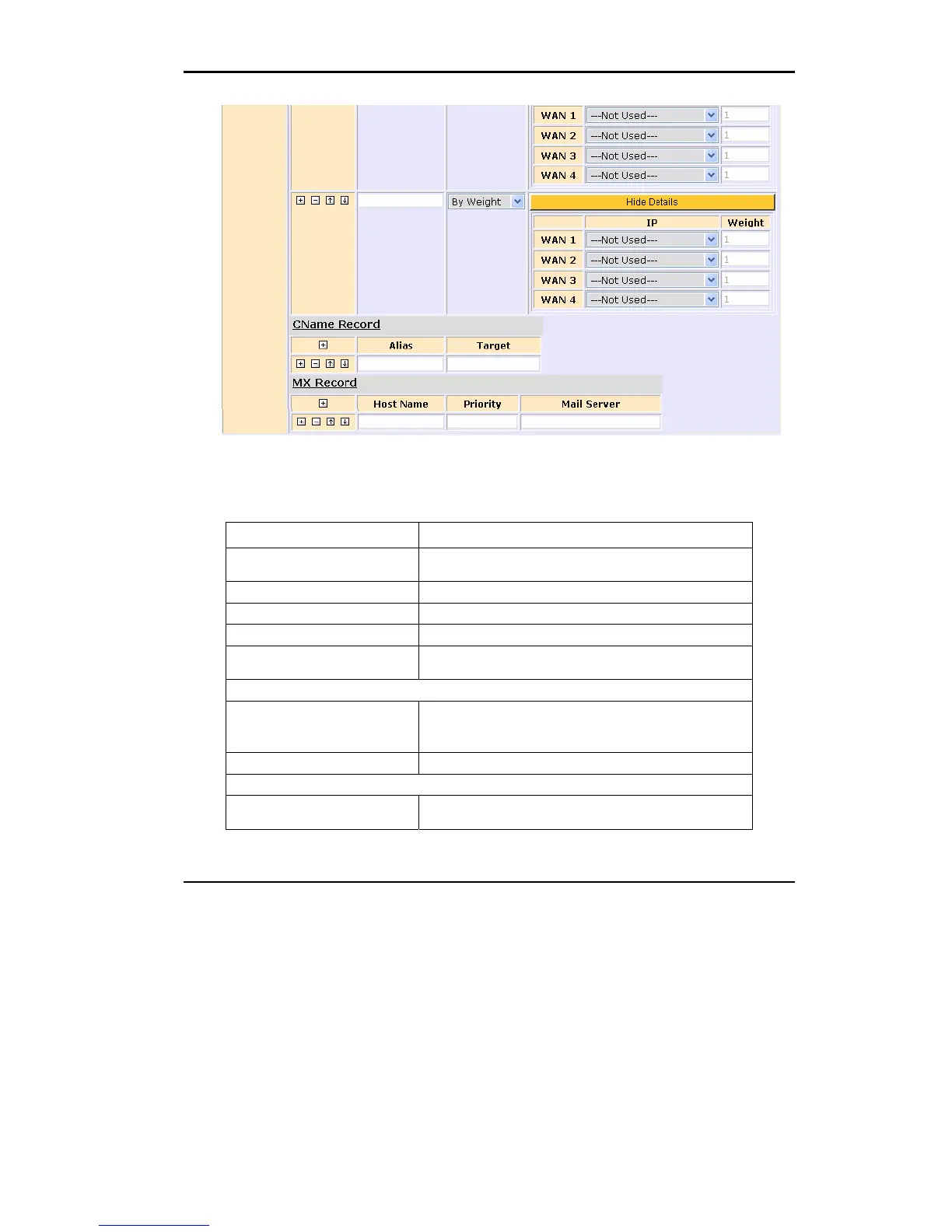
Figure 4.12 Domain Setting
Domain Setting:
Field Description
Domain Name Enter the domain names for Multihoming. To enter
additional domain names, press +.
TTL Assign DNS query response time.
Responsible Mail Enter the domain administrator’s email.
Primary Name Server Enter the primary server name.
Source IP The query IP address can be an IP address, IP range, subnet,
or any address.
NS Record
Name Server Enter the prefix of the server name. For example, if a
server’s
FQDN is nsl.abc.com, please enter “nsl”.
IP Address Enter the IP address corresponding to the name server.
A Record
Host Name Enter the prefix of the primary workstation’s name. For
example, if the name is www.abc.com, enter “www”.















 To Next Page