3
Front Panel
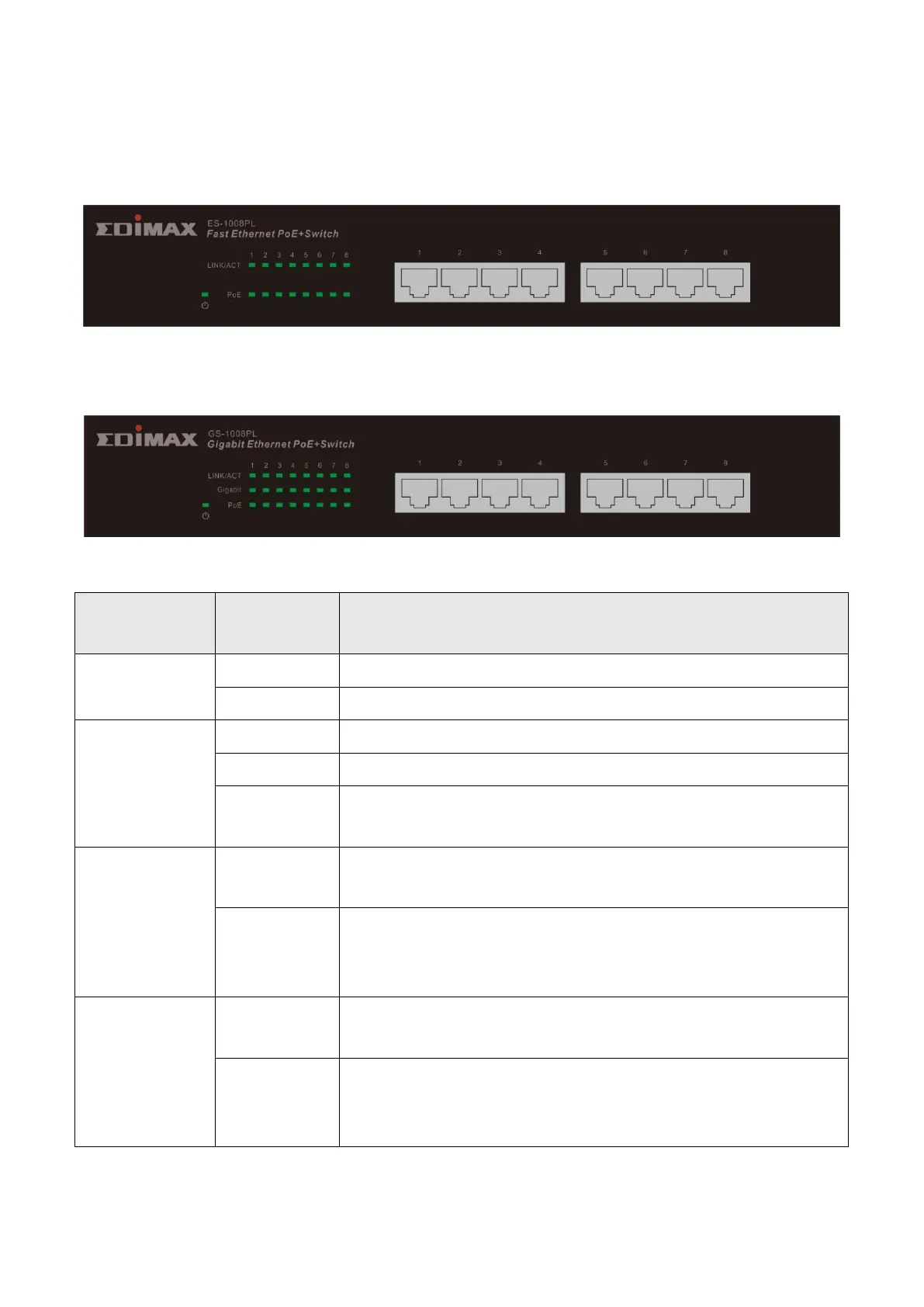
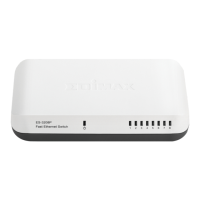
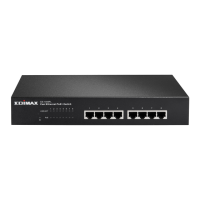
Please refer to the following description for the front panel:
*ES-1008PL
*GS-1008PL
LED Definitions:
Switch on and correctly powered
Switch not powered or not correctly powered
The port is activating and transferring /receiving
data.
There is a 1000Mbps device connected to the
corresponding port.
There is a 10/100Mbps device connected to the
corresponding port, or there is no device
connected to the corresponding port.
There is a PoE PD connected to the port, which
supply power successfully.
No PD is connected to the corresponding port,
or no power is supplied according to the power
limits of the port.


 To Next Page