Need help?
Do you have a question about the Edimax ES-1024 and is the answer not in the manual?
Details compliance with FCC rules for Class A digital devices regarding radio frequency energy.
States compliance with electromagnetic compatibility requirements under Council Directive 2004/108/EC.
Identifies the ES-1016 (16-Port) and ES-1024 (24-Port) Fast Ethernet Switches.
Lists all items included in the product package for user verification.
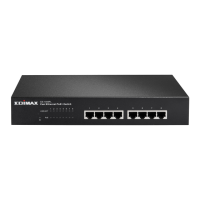
Details the technical specifications and capabilities of the ES-1016 switch.
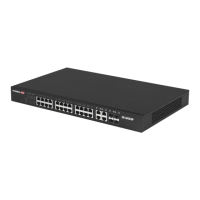
Details the technical specifications and capabilities of the ES-1024 switch.
Explains the function and status of the PWR and LNK/ACT LEDs on the front panel.
Provides step-by-step instructions for installing the switch on a flat surface.
Details the procedure for mounting the switch in a network rack.
Offers advice on ventilation, placement, and avoiding electrical noise for optimal operation.
 General
| Data Transfer Rate | 10/100 Mbps |
|---|---|
| Switching Capacity | 4.8 Gbps |
| MAC Address Table | 8K |
| Standards | IEEE 802.3, IEEE 802.3u |
| Mounting Type | Rack Mountable |


 To Next Page