EasyManua.ls Logo

Edimax ES-1024 - Front Panel Components; LED Indicator Definitions; Back Panel Connections

Edimax ES-1024
6 pages
Print Icon
To Next Page IconTo Next Page
To Previous Page IconTo Previous Page
Loading...
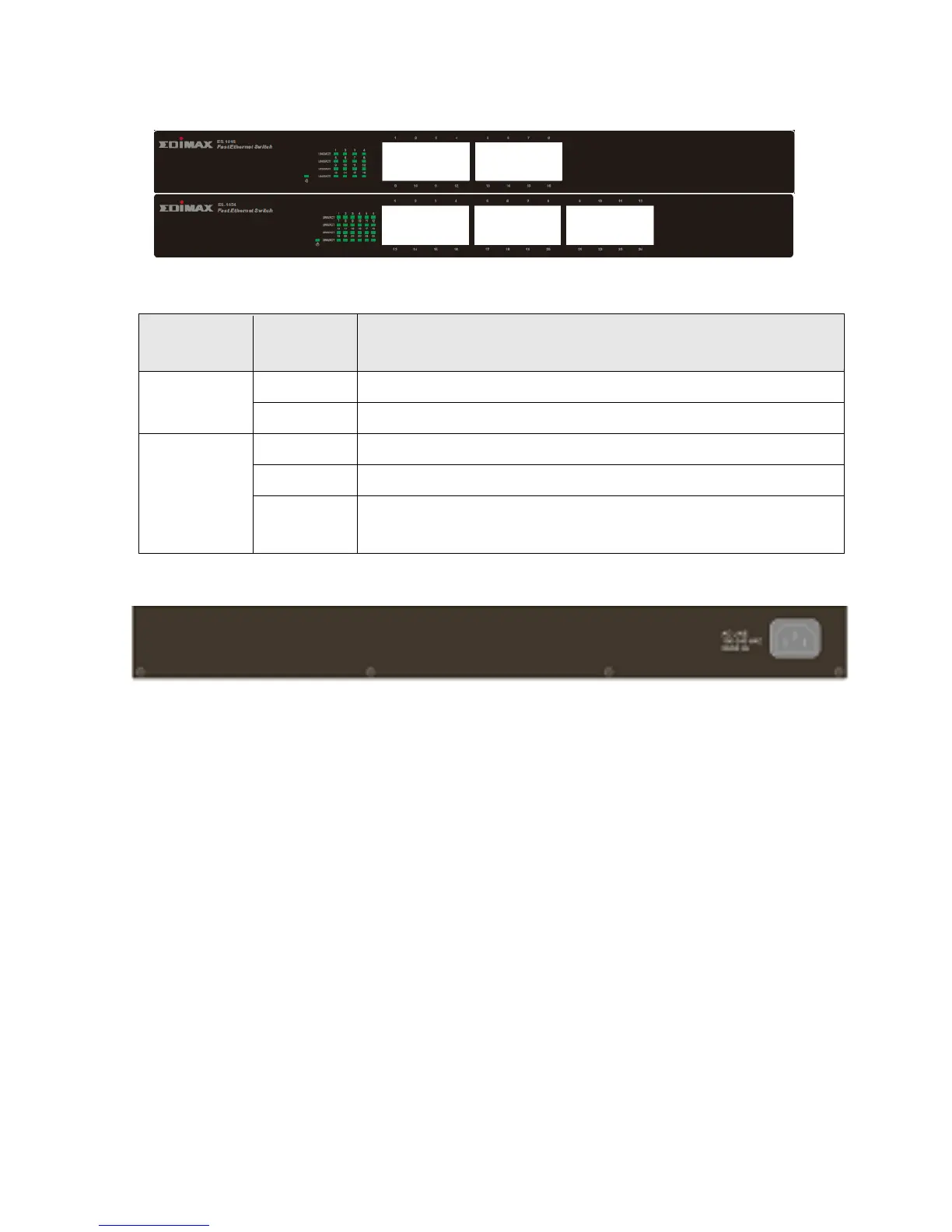
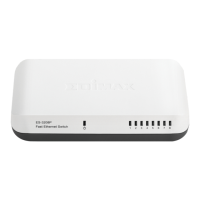
Front Panel
Please refer to the following description for the front panel:
LED Definition:
LED Name
Light
Status
Description
PWR
On
Switch on and correctly powered
Off
Switch not powered or not correctly powered
LNK/ACT
On
The port connected
Off
The port not connected
Flashing
The port is activating and transferring /receiving
data.
Back Panel
AC IN : This connects to AC power source. Supported input voltages range from
100 ~ 240V AC at 50 ~ 60Hz.
Power Connector
Plug in the female connector of the provided power cord into this connector, and
the male into a power outlet. Supported input voltages range from 100-240V AC,
and 50-60 Hz.

Other manuals for Edimax ES-1024

Related product manuals