4
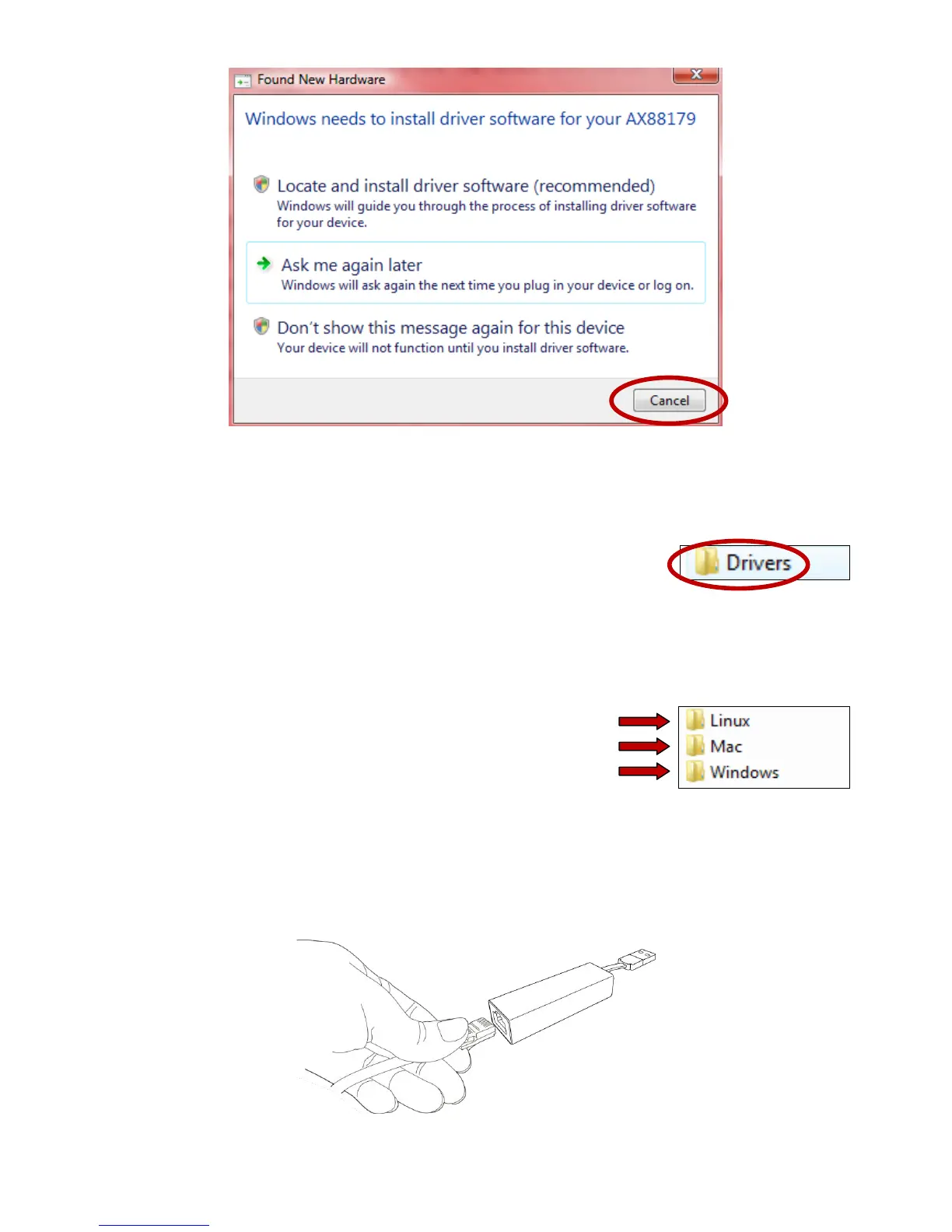
3. Insert the included CD-ROM into the CD drive of your computer. Browse to
the contents of the CD-ROM and open the “Drivers” folder.
4. Open the correct folder for your operating system and then follow the
instructions in the appropriate chapter to install the necessary drivers.
5. After the drivers are installed, carefully insert your Ethernet cable into the
Gigabit Ethernet adapter.


 To Next Page