3
I. Package Contents
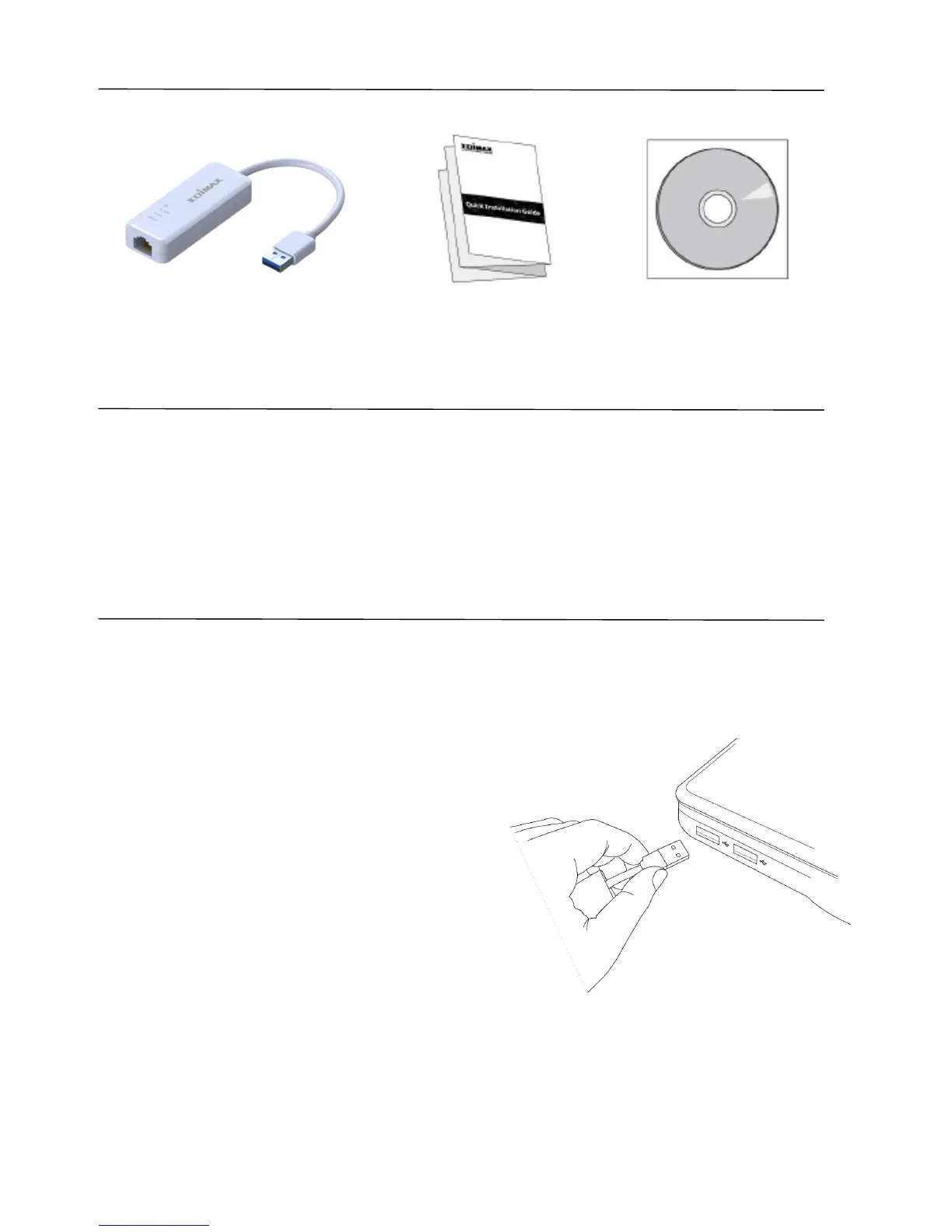
USB 3.0 Gigabit Ethernet Adapter QIG CD-ROM
II. System Requirements
- Windows 98 SE, Windows 2000, Windows ME, Windows XP, Windows 7,
Windows 8, Mac OS X
- Internet Explorer V 5.0 or above, Netscape V 4.0 or above, Firefox 1.5 or
above.
III. Installation
1. Switch on your computer and insert the Ethernet adapter into an available
USB port of your computer.
Note: The EU-4306 is compatible with USB
2.0 & 3.0 ports - for best performance
please use a USB 3.0 port.
2. If a Hardware Wizard/Driver Installation window opens as shown to the
left, please click “Cancel” or “Close”.


 To Next Page