9
V-2. Driver Uninstallation
1. Open the folder named “AX88179_178A_...” and double click the
“AX88179_178A.dmg” file. Navigate to the disk image mounted to your
Mac as shown in the following screen:
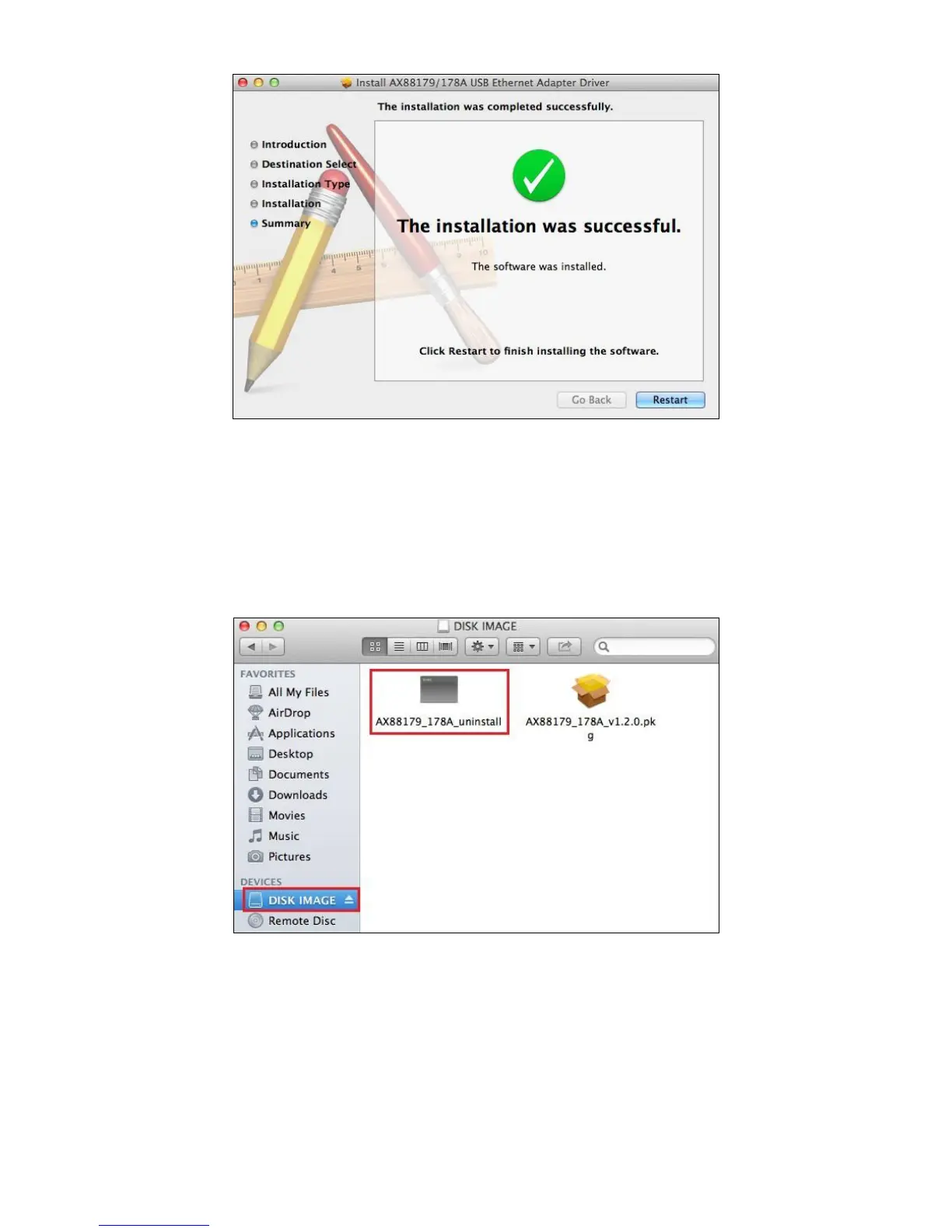
2. Double click the “AX88179_178A_uninstall” file to uninstall the driver. The
screen below will confirm the uninstall was successful:


 To Next Page