6
3. Hardware Installation
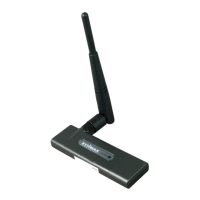
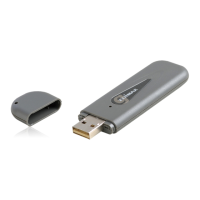
Please follow the instructions as below to install your new Wireless USB
Adapter:
Step 1. Please insert the Wireless USB Adapter into an available USB 2.0 port
of your computer. We recommend you to insert the adapter after the software
of driver/utility has been installed.
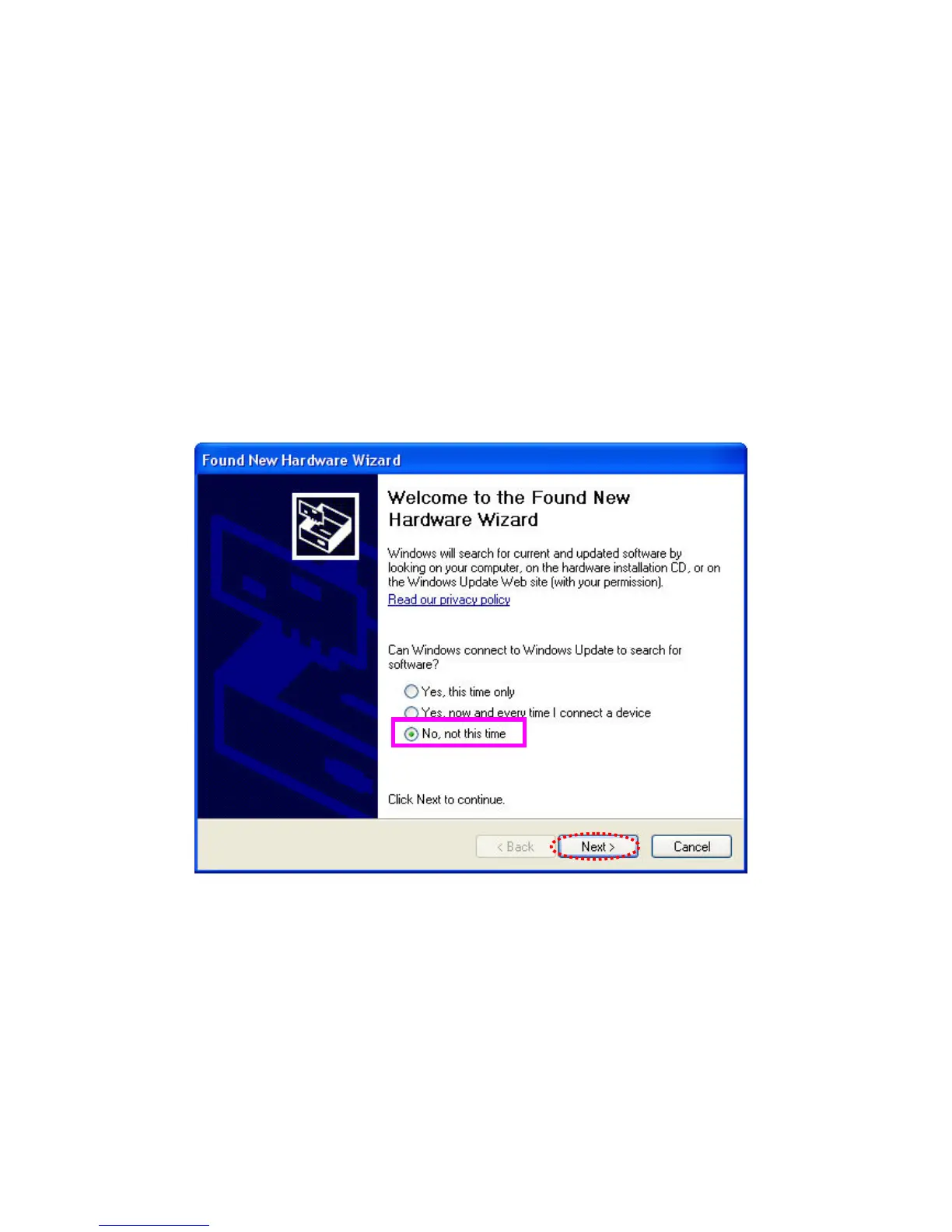
Step 2. The following message may appear on your computer under Windows
OS XP, please select “No, not this time” and click ‘Next’.


 To Next Page
 Loading...