20
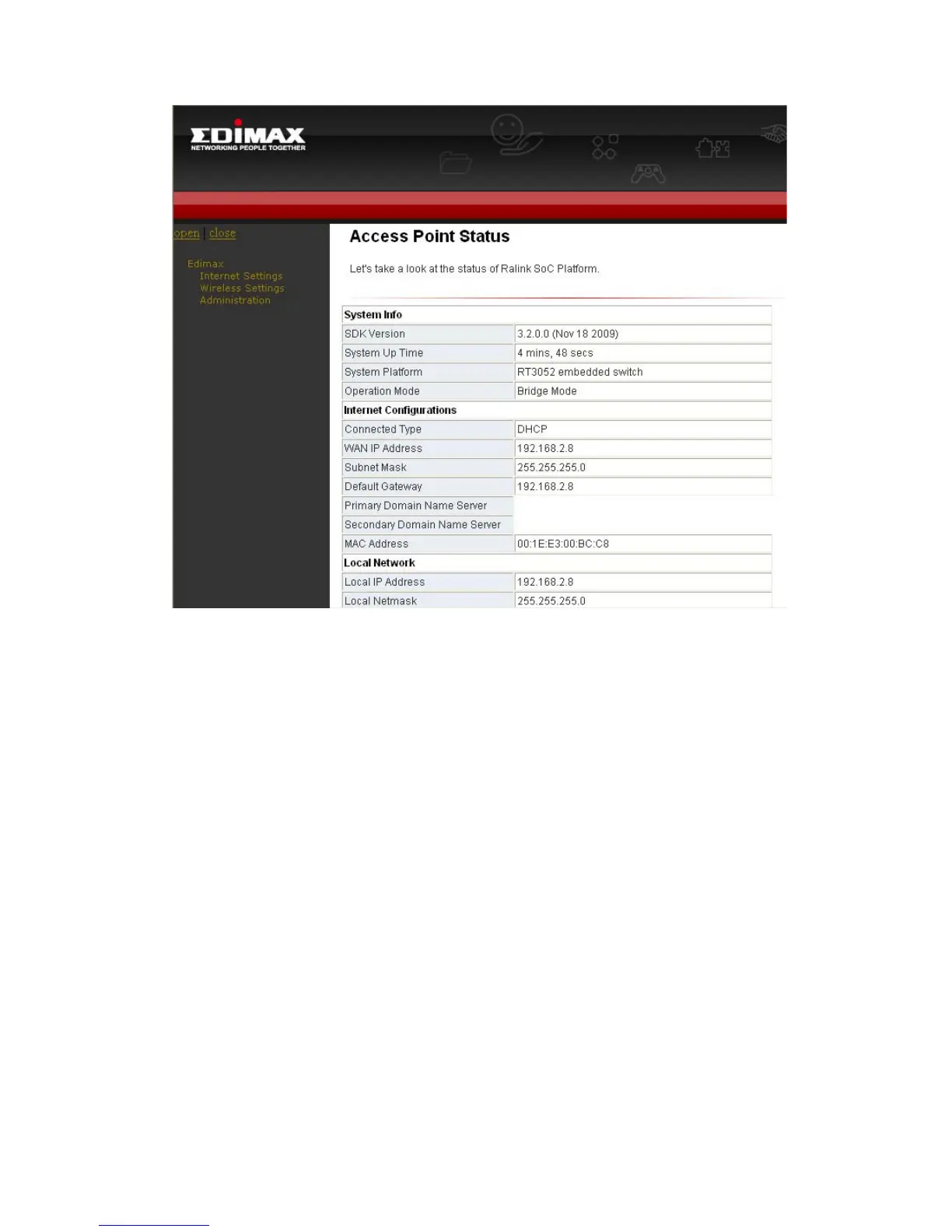
Device Info
– This page shows you “Firmware Version / MAC address / IP address
and Wireless information”
LAN
For you to setup HP-2002APn’s IP address, enable/disable DHCP, IGMP
and IP address pool.
Wireless
You can setup SSID, wireless security and ACL here.
Management
For you to upgrade HP-2002APn’s firmware, save current settings,
reboot, reset to default settings and change password.


 To Next Page