71
7.5 General Configuration
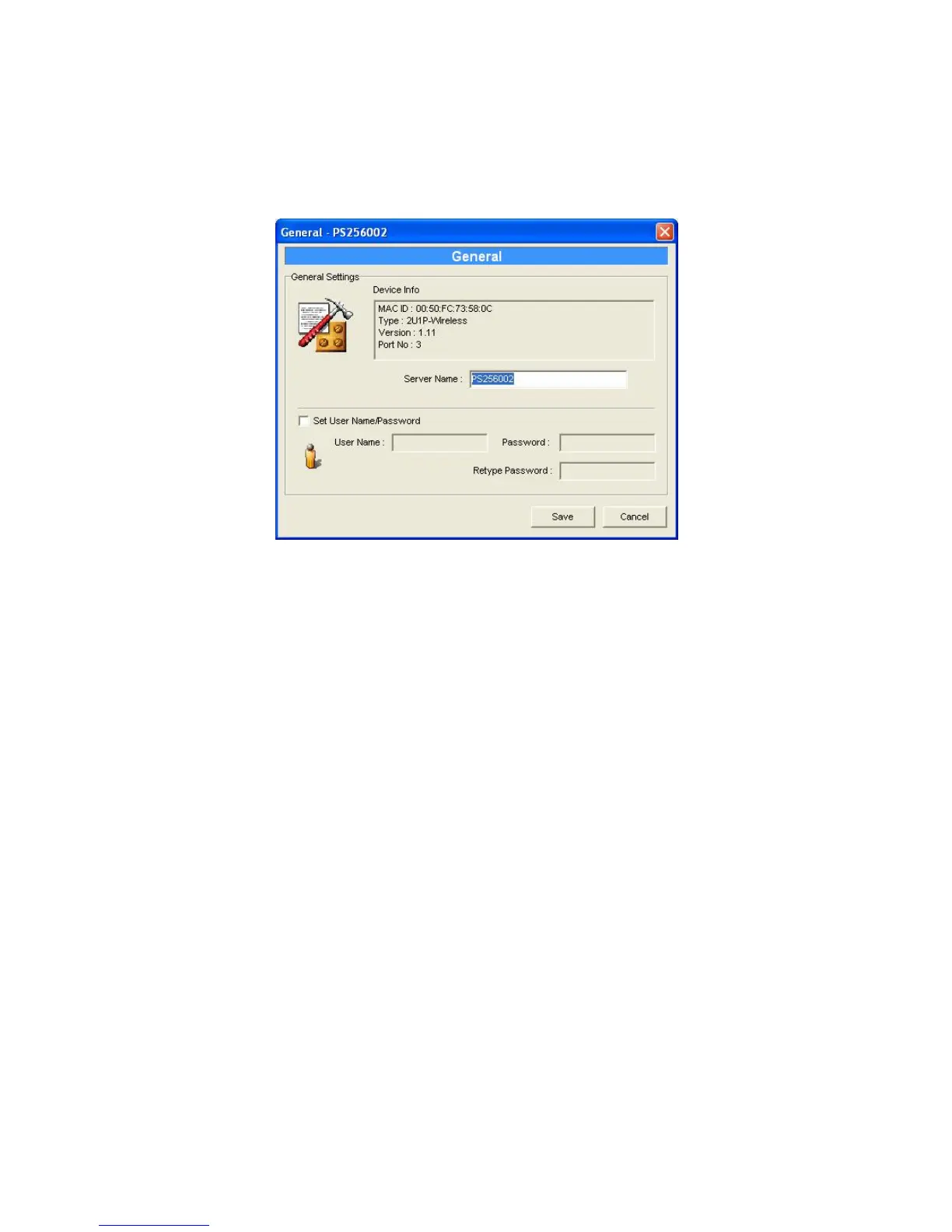
Double Click “General” icon and the General
configuration window will pop-up.
You can see basic print server information in this page.
You also can configure the “Print Server Name”, “SMB
Group Name”, “User Name” and “Password” here.
Server Name, the name of the print server. You can
use this name to identify the print server when you are
searching for the print server by the administration and
client utilities.
User Name / Password is used to authenticate the
administrator by the Web administration tool.















 To Next Page