83
7.13 Wireless Configuration
If you want to use the print server through wireless
LAN, please set up the print server through Ethernet first
and make sure your wireless LAN setting is correct. After
setting the wireless LAN, unplug the Ethernet cable and
restart the print server, then you can start to use the print
server through wireless LAN. If the wireless configuration
does not work, please plug the Ethernet cable again, restart
the print server and configure the print server through
Ethernet until the wireless LAN settings are correct.
The default settings of the print server wireless
function are as follows.
Ÿ Mode: Ad-Hoc
Ÿ SSID: Default
Ÿ Channel: 11
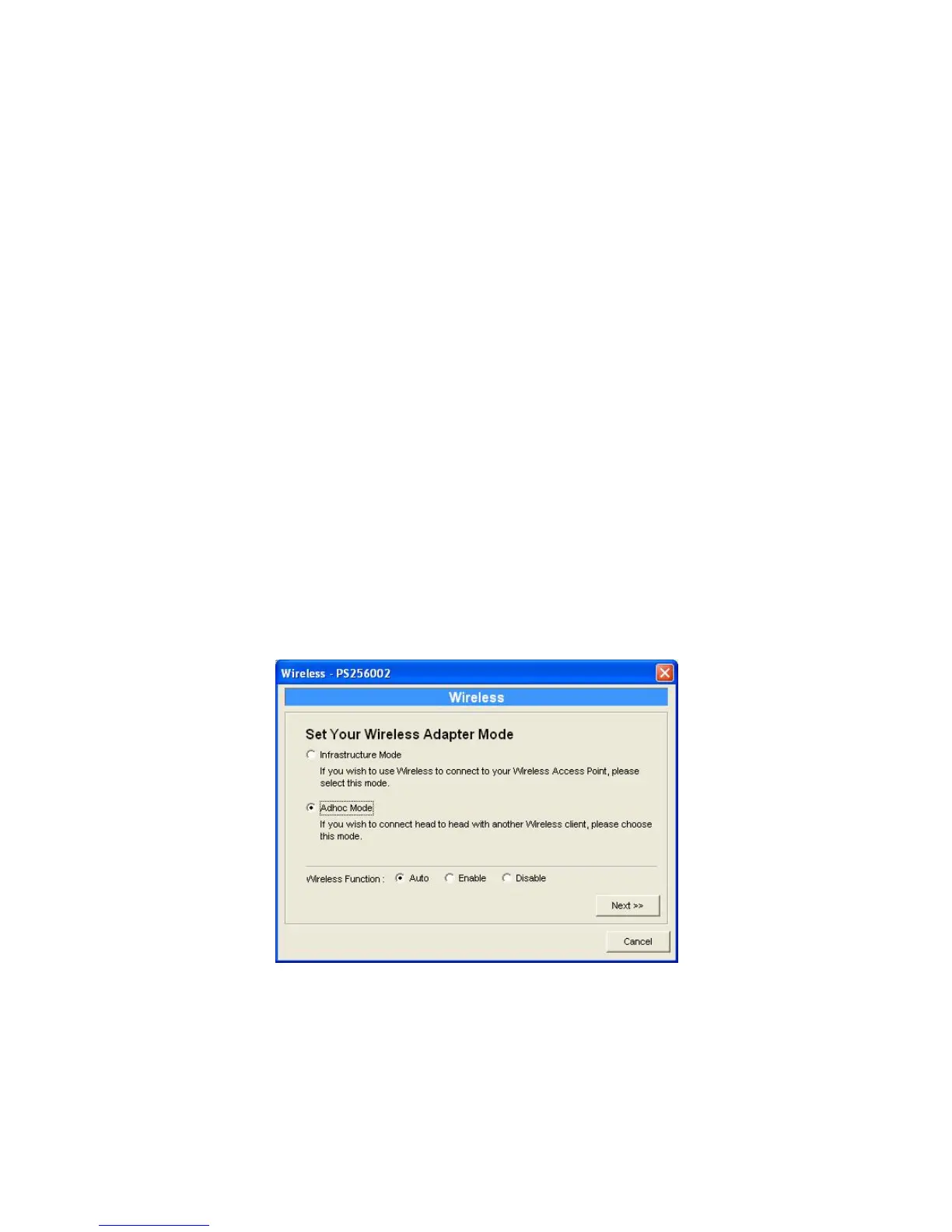
Double Click “Wireless” icon and the wireless
configuration window will pop-up.















 To Next Page