37
3.6 Windows Add Printer Procedure
After adding a “Network Port” of the print server to
your PC by Administrator or Client Installation Program,
you can follow the procedure described below to add
printer to the Windows. Note that following “Add Printer”
steps are running in Windows XP, the steps in other
Operating Systems are similar.
Step1. Click “Start”, choose “Settings” and select
“Printers and Faxes”.
Step2. Click “Add a Printer”.
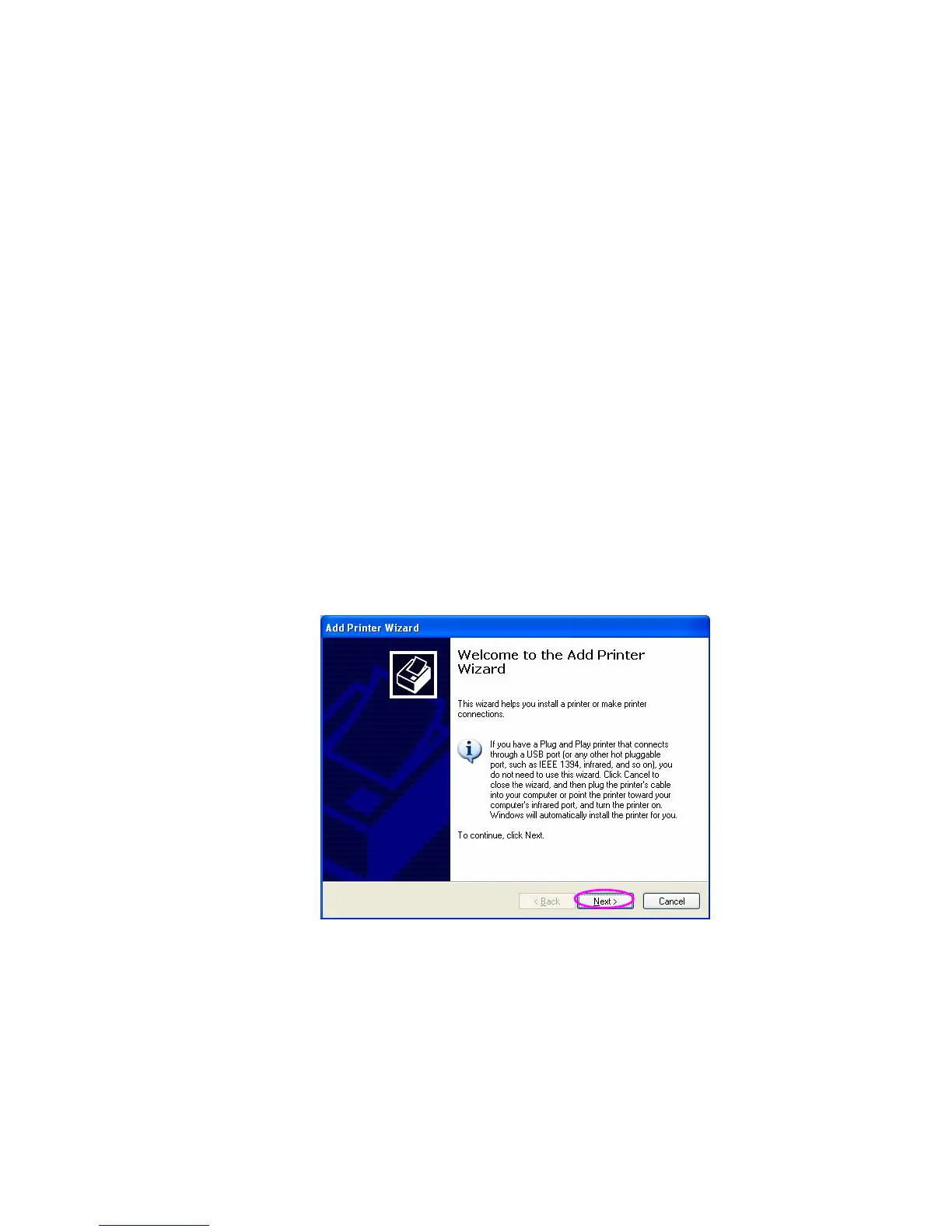
Step3. The “Add Printer Wizard” is displayed. Click
“Next”.















 To Next Page