12
•PressAtostartthecountdown.
•PressBtostopthecountdown.
Important note: once the countdown
has been stopped, it cannot be restarted.
PressingAandBformorethan5seconds
restarts this mode.
Chronograph display (Chrono mode):
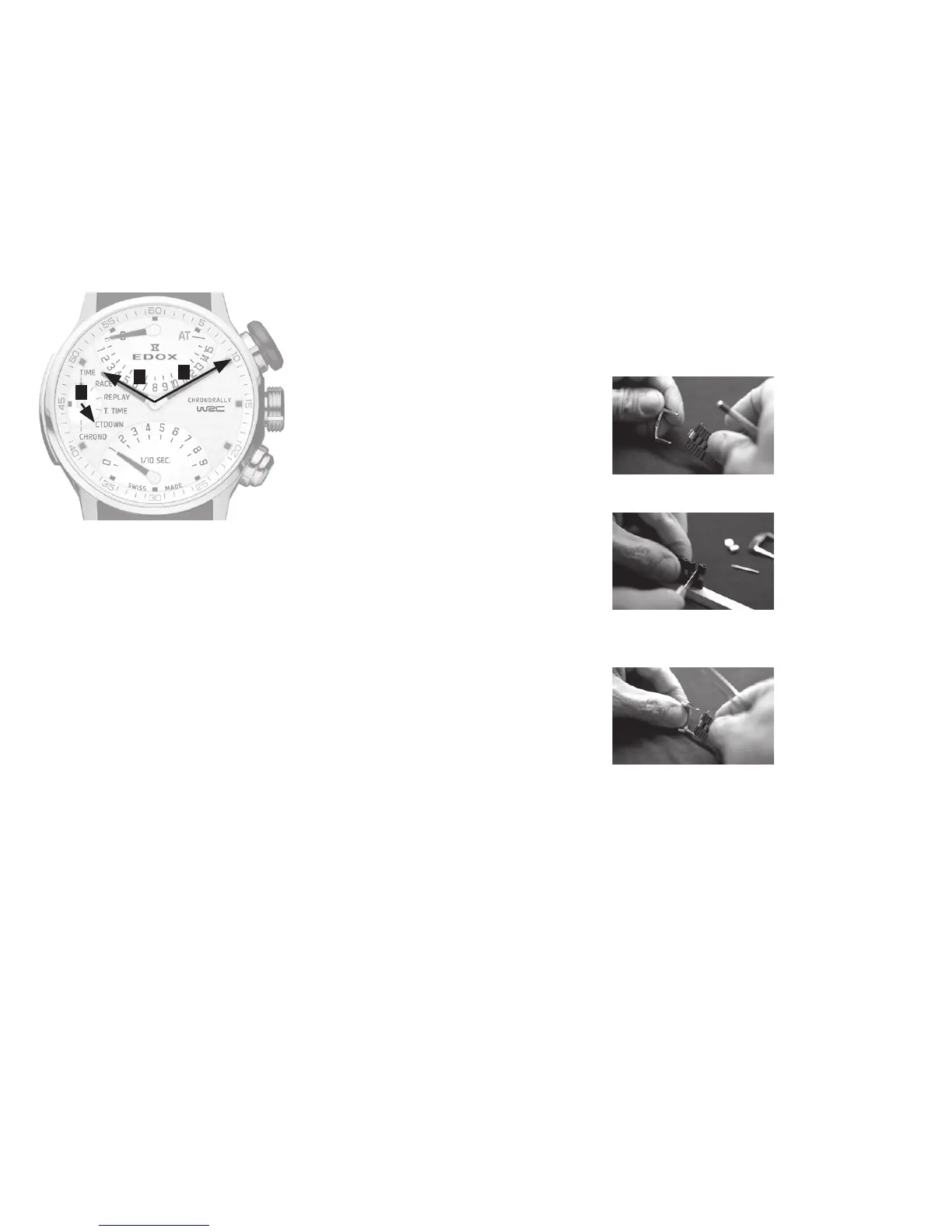
•Presspush-pieceCtopositionHand4
in Chrono mode.
•Presspush-pieceAtostartthe
chronograph (intermediate time).
•Presspush-pieceBtostopthe
chronograph.
•Presspush-pieceBtoresetthe
chronograph to zero.
Intermediate time:
•Presspush-pieceAtostartthe
chronograph.
•Presspush-pieceAtodisplaythetime
of the first race.
•Presspush-pieceAtoreturntothe
timing.
•Presspush-pieceBtostopthe
chronograph.
•Presspush-pieceBtoresetthe
chronograph to zero.
Manually resetting Race and Replay
modes to zero:
•Presspush-pieceCtopositionHand4
in Replay mode.
•Presspush-piecesAandB
simultaneouslyfor5seconds.The
times recorded in Race and Replay
modes are reset to zero (the total
accumulated time in Total Time mode
remains recorded).
Manually resetting Total Time mode
to zero:
•Presspush-pieceCtopositionHand4
in Total Time mode.
•Presspush-piecesAandB
simultaneouslyfor5seconds.Thetotal
accumulated time in Total Time mode
and the Race and Replay modes are
reset to zero.
Adjusting the hands:
Push-piece A enables you to adjust the
various hands.
Push-pieceBenablesyoutochangethe
hand to be adjusted.
•Presspush-pieceCtopositionHand4
in Time mode.
•Pullpush-pieceC.
•Presspush-piecesAandB
simultaneouslyfor5seconds.Hands1
and2willpositionthemselvesat12h.
•Presspush-pieceAtoadjustHand1.
•Presspush-pieceBtochangehands.
ThenextadjustmentwillbeHand2.
•Presspush-pieceAtoadjustHand2.
•Presspush-pieceBtochangehands.
ThenextadjustmentwillbeHand3.
•Presspush-pieceAtoadjustHand3.
•Presspush-pieceBtochangehands.
ThenextadjustmentwillbeHand4.
•Presspush-pieceAtoadjustHand4.
•Presspush-pieceBtochangehands.
ThenextadjustmentwillbeHand5.
•Presspush-pieceAtoadjustHand5.
Important note: To go directly from one
mode to another, simply press push-piece
Bthenumberoftimesnecessarytoadjust
the desired hand.
Good to know: it is possible to wind back
the3sub-counterhands(hand3,4and5)
by pressing push-piece A for 2 seconds.
•Presspush-pieceCtoreturntoTime
mode.
4.7 How to shorten a rubber strap
Remove the steel buckle and spring bar
With a sharp blade, cut the necessary ex-
tra rubber piece off
Putthesteelspringbarandbuckleback
on
2
A
C
B
1
4


 To Previous Page