GETTING STARTED - SETTING UP FIBRE BROADBAND 11
For a wired connection you’ll need...
• A device with a network socket
• Bright Box on Fibre can support up to
3 Ethernet connections
For a wireless connection you’ll need...
• A device with an inbuilt or plug in wireless adaptor
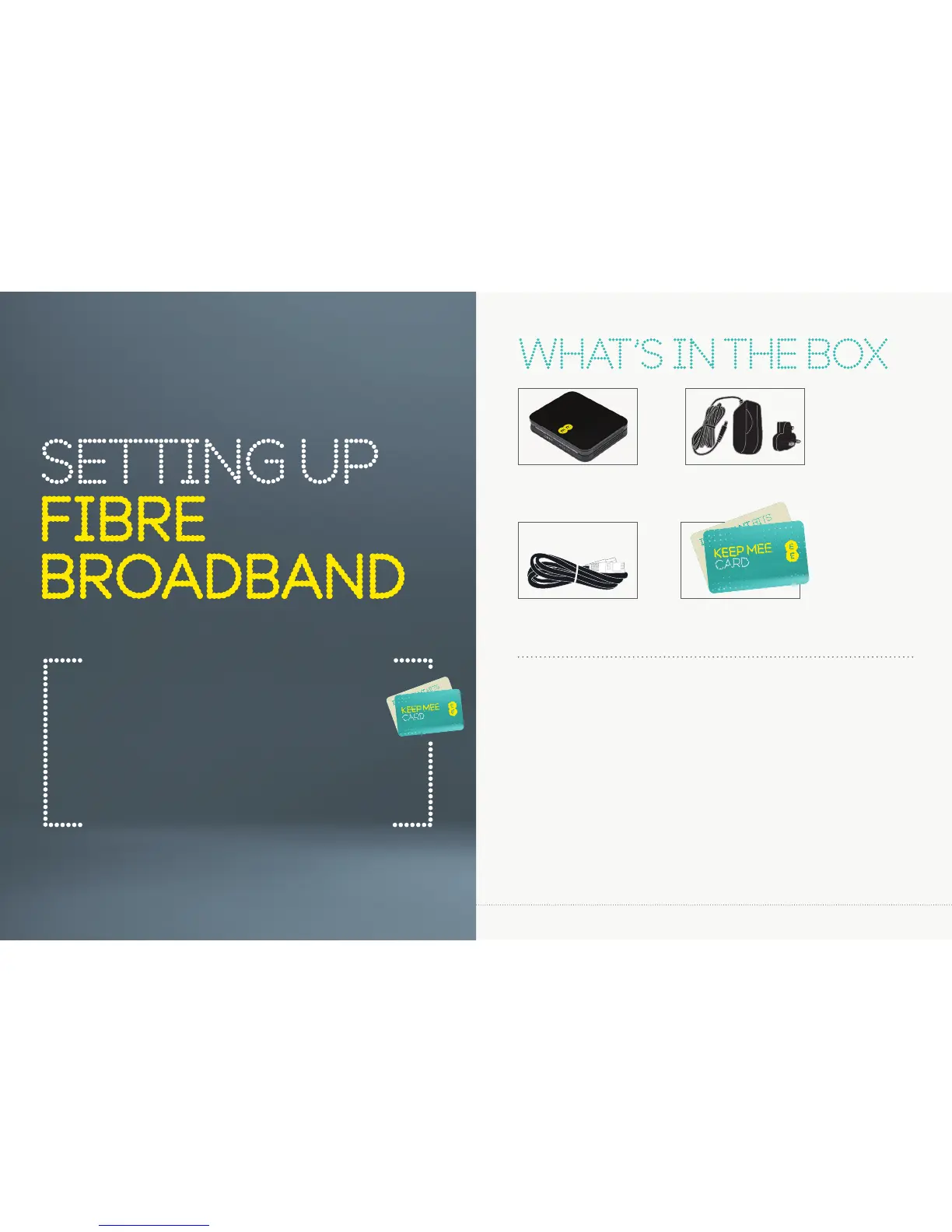
Bright Box
wireless router
Power supply
2-parts
KEEP MEE cardEthernet cable
(Black)
x2
KEEP MEE card
Your wireless network name and wireless password can be
found on the ‘KEEP MEE’ card or on the bottom of the router.
Important
Make sure that your Fibre broadband has been installed - the
engineer will confi rm that your line is ready to go.



 To Next Page