96
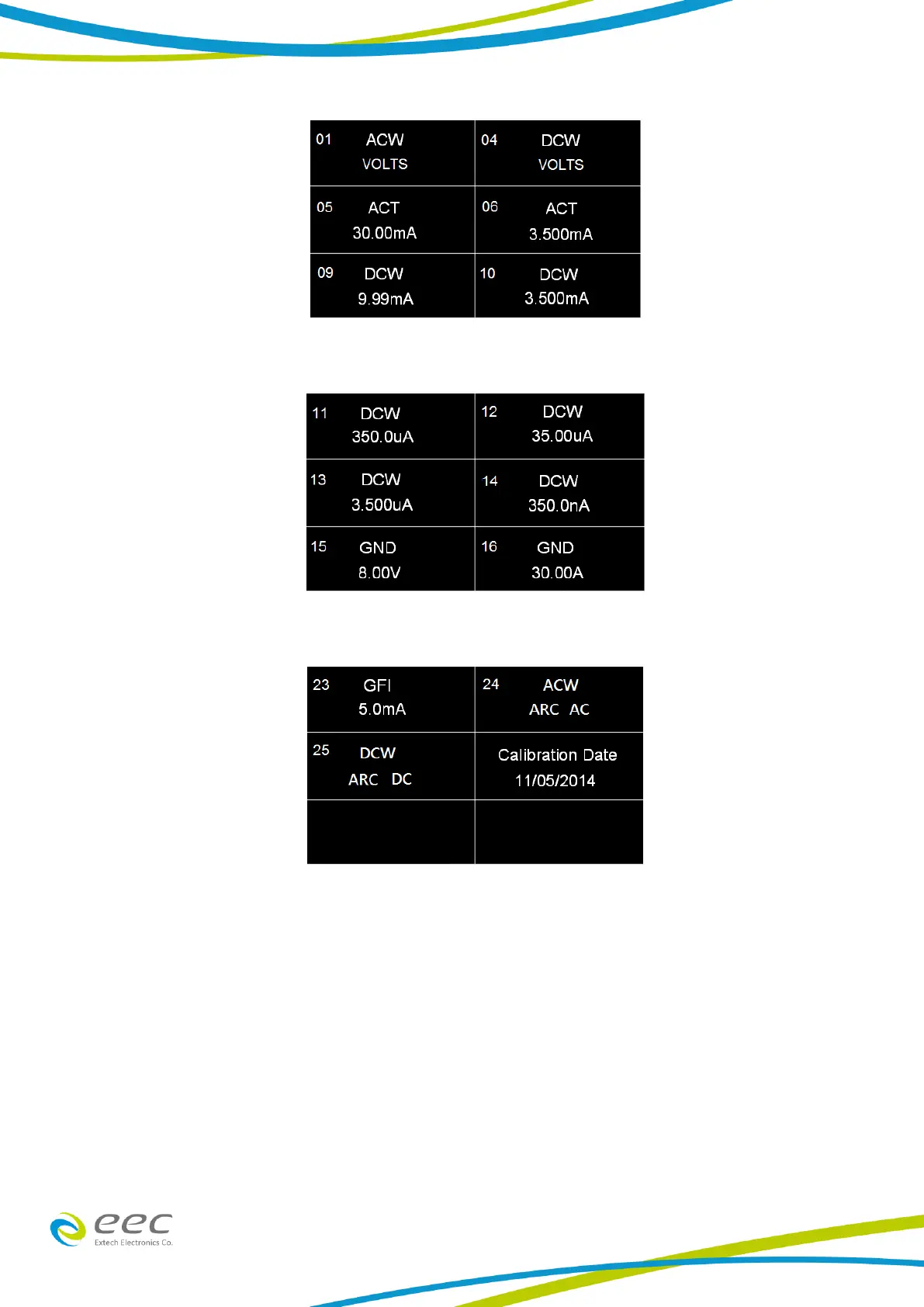
Scroll down on the screen to view the next page which will appear as follows:
Scroll down on the screen to view the next page which will appear as follows:
9.3 Calibration of Parameters
From the Calibration screens, use the touchscreen to select the parameter you wish to calibrate. A
calibration prompt screen will now appear that describes the necessary load and connection
information for the parameter being calibrated.
Once you press TEST, the Calibration data entry screen will appear for the selected parameter.
Read the measurement from your standard and enter it using the numeric keypad. Once a value is
entered the screen for the next step will appear.



 To Next Page