67
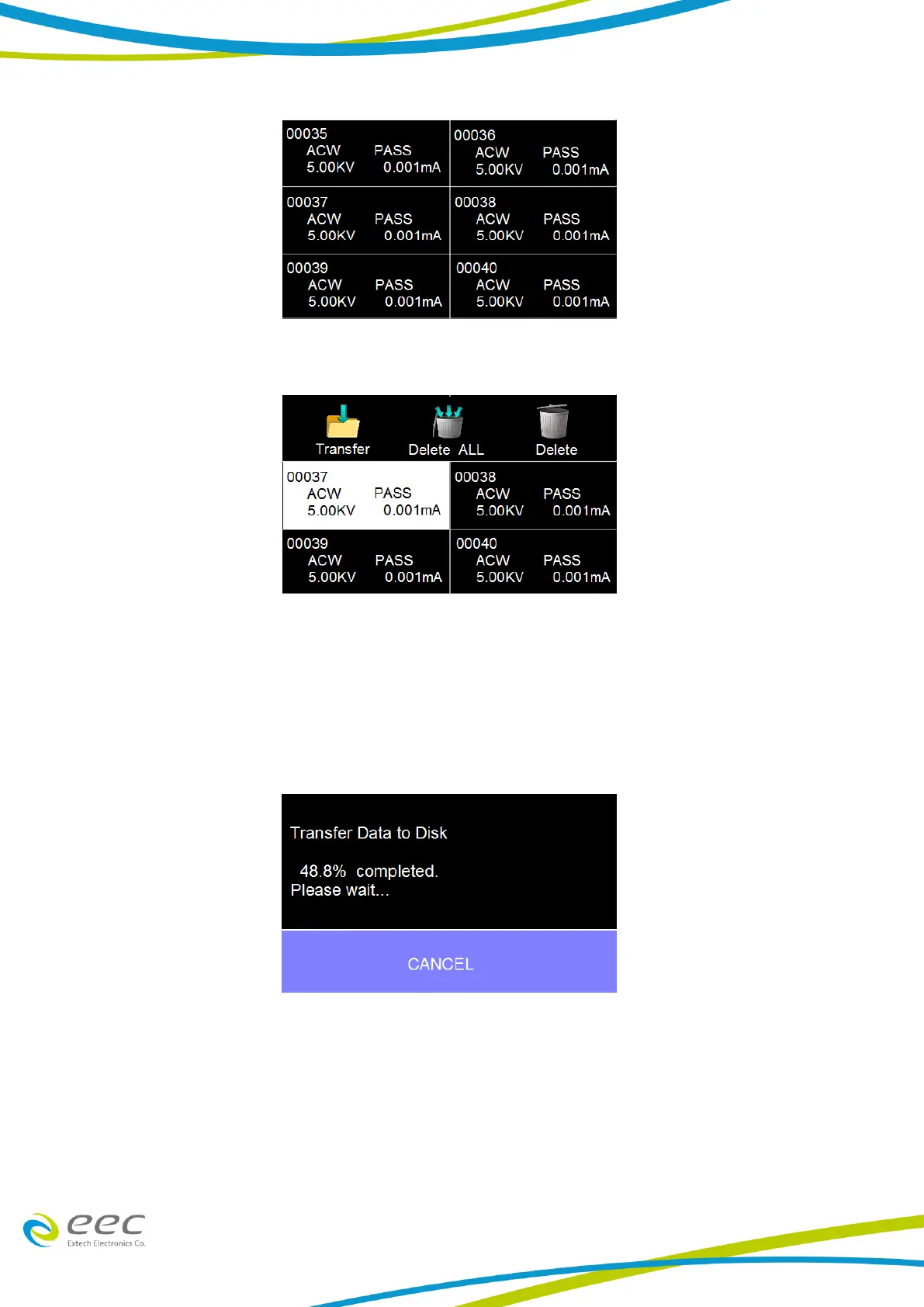
Touch and hold any test step result on the previous screen and a new screen will pop up:
From this screen you can transfer All results to a USB disk, delete All results or delete a single
result. To transfer results to a USB disk select the Transfer icon and a new pop up screen will
appear where a file name must be entered for the results file. The results will be saved on the USB
disk with this file name.
Once you assign and save a file name the following screen will appear showing the transfer status:
Once the results file transfer is complete a message will appear on the screen confirming the
successful transfer along with the results file name that was previously assigned:



 To Next Page