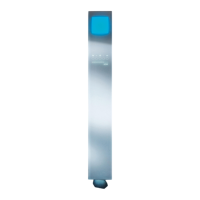
A B C
NUVOLA TOUCH OPERATING AND MAINTENANCE MANUAL EN
31
The data and features referred to are not binding on EFFEGIBI and the company reserves the right to make any appropriate changes without having to give prior warning or replace this manual.
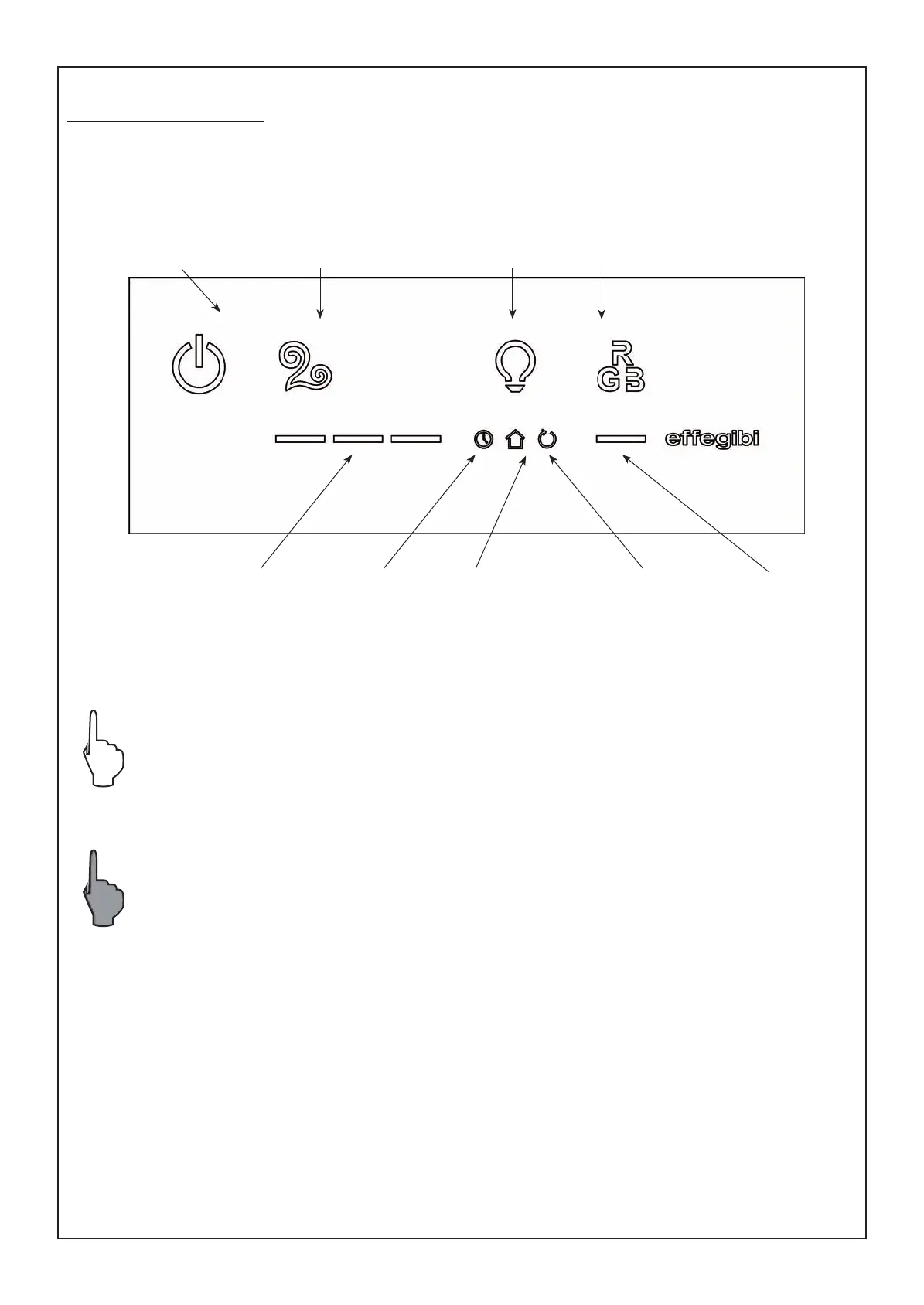
4. CONTROL PANEL
The control panel enables the user to control the generator functions.
From standby status it is possible to press individual or combinations of buttons to access the menus and
functions.
“ON/OFF” BUTTON
“HAMMAM/TURKISH BATH”
button
“WHITE LIGHT”
button
“RGB COLOUR-THERAPY”
button
“COLOUR CHOICE”
button
“TEMPERATURE”
button
KEY TO SYMBOLS
Press the button to switch on the function.
Press the button a second time to switch off the function previously activated.
Hold down for a few seconds.
Programming icon
ECC function icon Remote
function icon
MANUALE USO NUVOLA TOUCH.indd 31 27/02/2014 14:27:53


 To Next Page