EFIX FC2 USER GUIDE | 2022-02
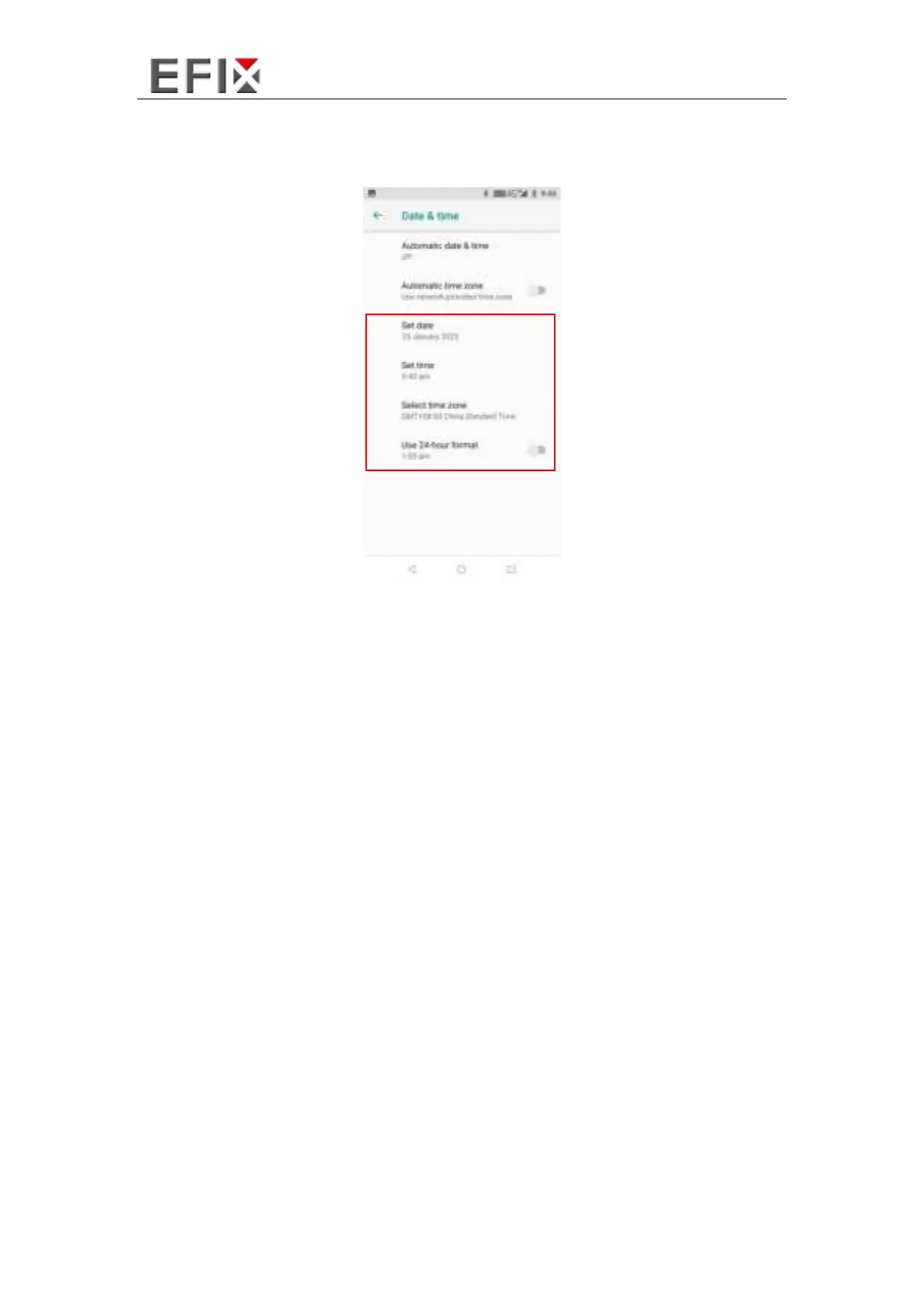
If you want to set date and time by yourself, please turn off the Use network-provided
time and start your own settings.
You can also customize your time zone and choose whether to Use 24-hour format in
this interface.
4.3 Log in 4G
After inserting your SIM card, click [Settings] – [Network & Internet] – [Mobile
Networks] – [Preferred network type] and select corresponding network type of your
SIM card. Then turn on [Network & Internet] and click [Data usage] to check data
usage.



 To Next Page