EFIX FC2 USER GUIDE | 2022-02
4.5 Restore Factory Setting
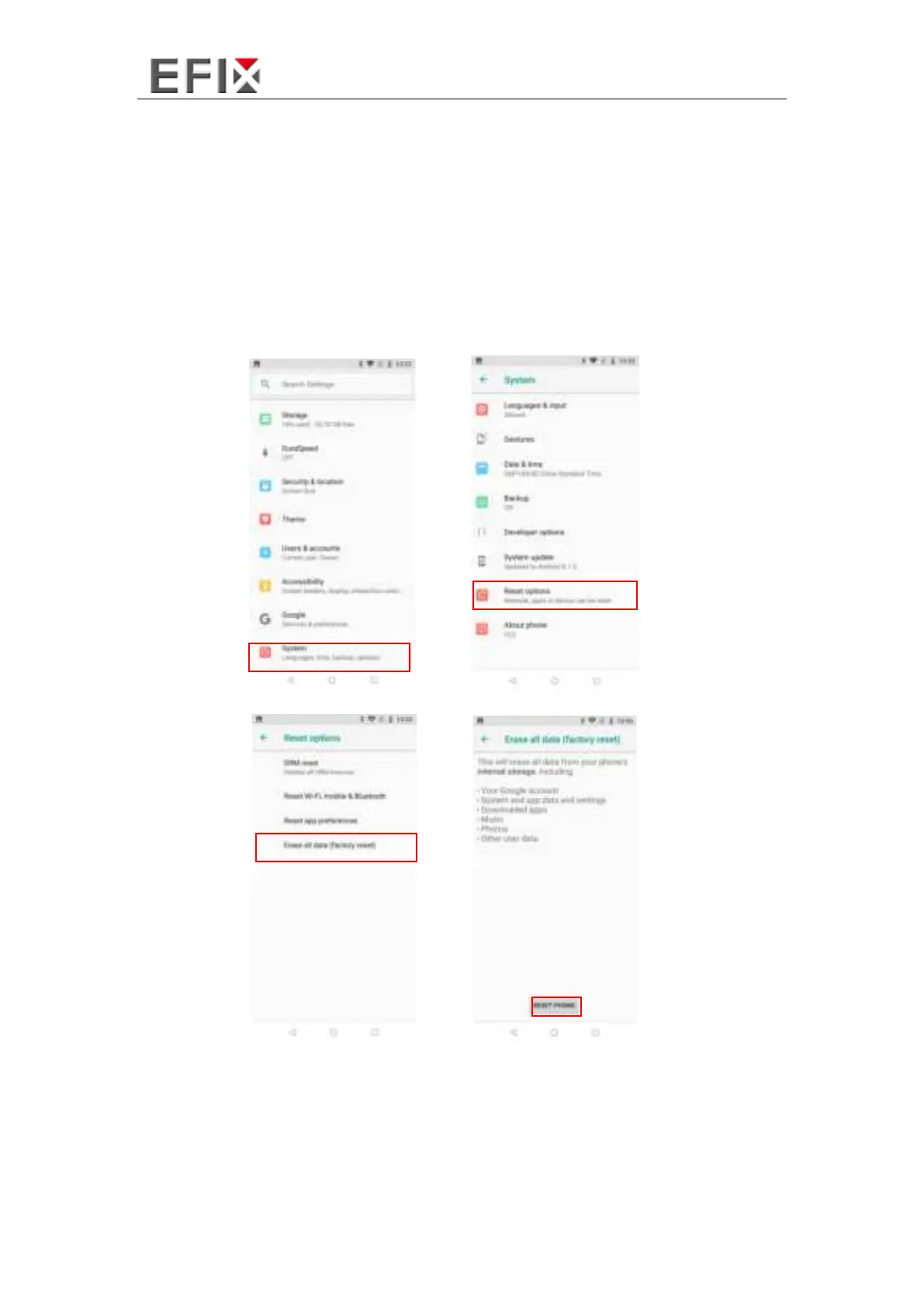
Enter the
[Settings] – [System] – [Reset options] – [Erase all data]
Press
[Erase all data] – [RESET PHONE]
, data controller will automatically shut down
and restart.
Note: After choosing
[RESET PHONE]
, the memory data in data controller will be
cleared!



 To Next Page