C556 Self Powered Elliptical Fitness Crosstrainer
Page 28
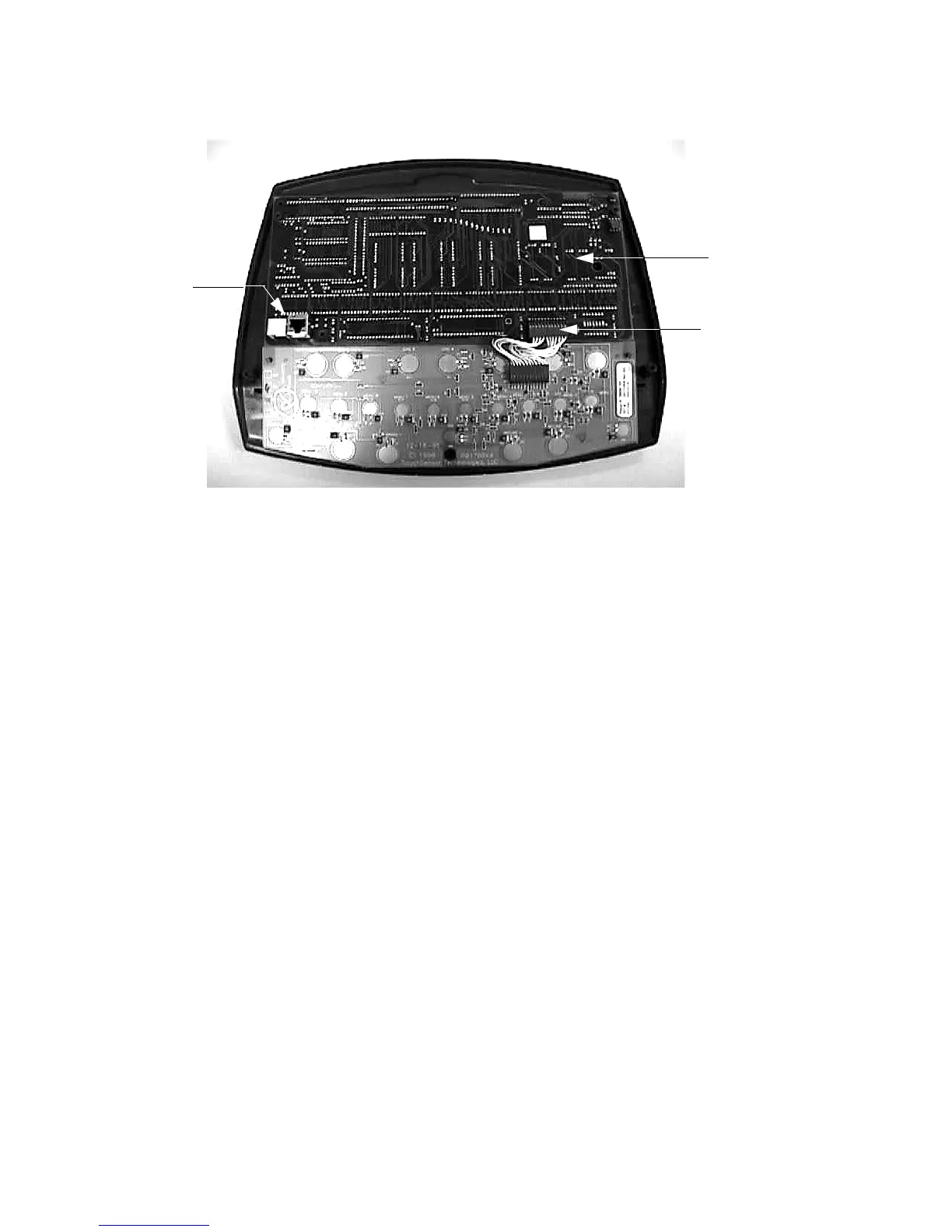
Diagram 7.2 - Display Housing Front Panel, Rear View
8. Position the upper PCA at its mounting location on the display housing front panel (refer to
Diagram 7.2). Replace and tighten the upper PCA mounting screws.
9. Reconnect the keyboard cable to the upper PCA.
10. Reconnect the upper interconnect cable to the upper PCA.
11. Remove the ground lead of the wrist strap from the EFX frame, then remove the wrist strap
from your arm.
12. Position the display enclosure on the display plate. Replace and tighten the display
mounting screws.
13. Replace the red battery lead removed in step 1 and check unit operation as described in
Section Four.
Upper PCA
Keyboard
Connector
Interconnect
Cable
Connector



 To Next Page