Each of the three deployment outputs has a CHANGE link next to it, this is how you get to the
settings for that channel. In the case of the AUX output, the default is for it to be OFF; you
click on the CHANGE link to set it to act like a Drogue, Main, or Airstart timer output, once you
do that you’ll see an OPTIONS link that you can click for the function-specific settings for the
AUX channel.
Depending on what you have hooked up to the deployment channels and how it’s powered, you
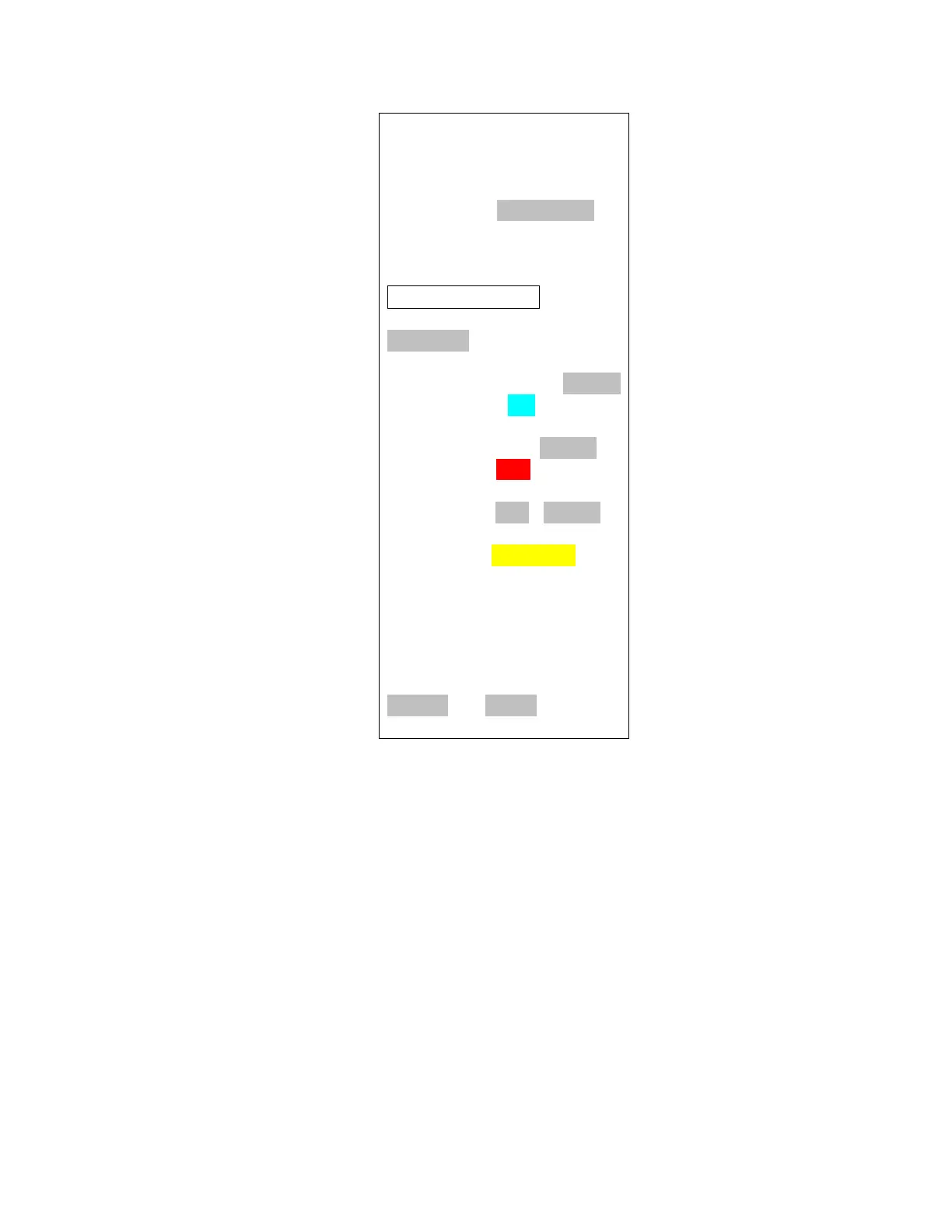
may see the deployment channel status displayed in different colors. The colors are:
◦ Silver – Status does not affect arming (channel turned off, for example)
◦ Aqua - Good deployment status, i.e. channel is enabled and you have continuity
◦ Red – No continuity on enabled channel, arming not possible
In our example above, the Drogue channel has continuity so it’s aqua, the Main channel does not
have continuity so it’s red, and the AUX channel is turned off so it’s grey.



 To Next Page