wish to change it back to the default (“Quasar_” plus the shortened MAC address), you can do so
by blanking out this field with spaces; it will revert to the default.
When you submit the page, changes are applied immediately, EXCEPT for the SSID, which does
not take effect until you power-cycle your Quasar. Note that changing the SSID does NOT
change the passkey; the passkey is fixed and is not changeable.
Changing the Frequency/ID
The frequency (and ID, if your band supports it) can easily be changed from the Hardware menu,
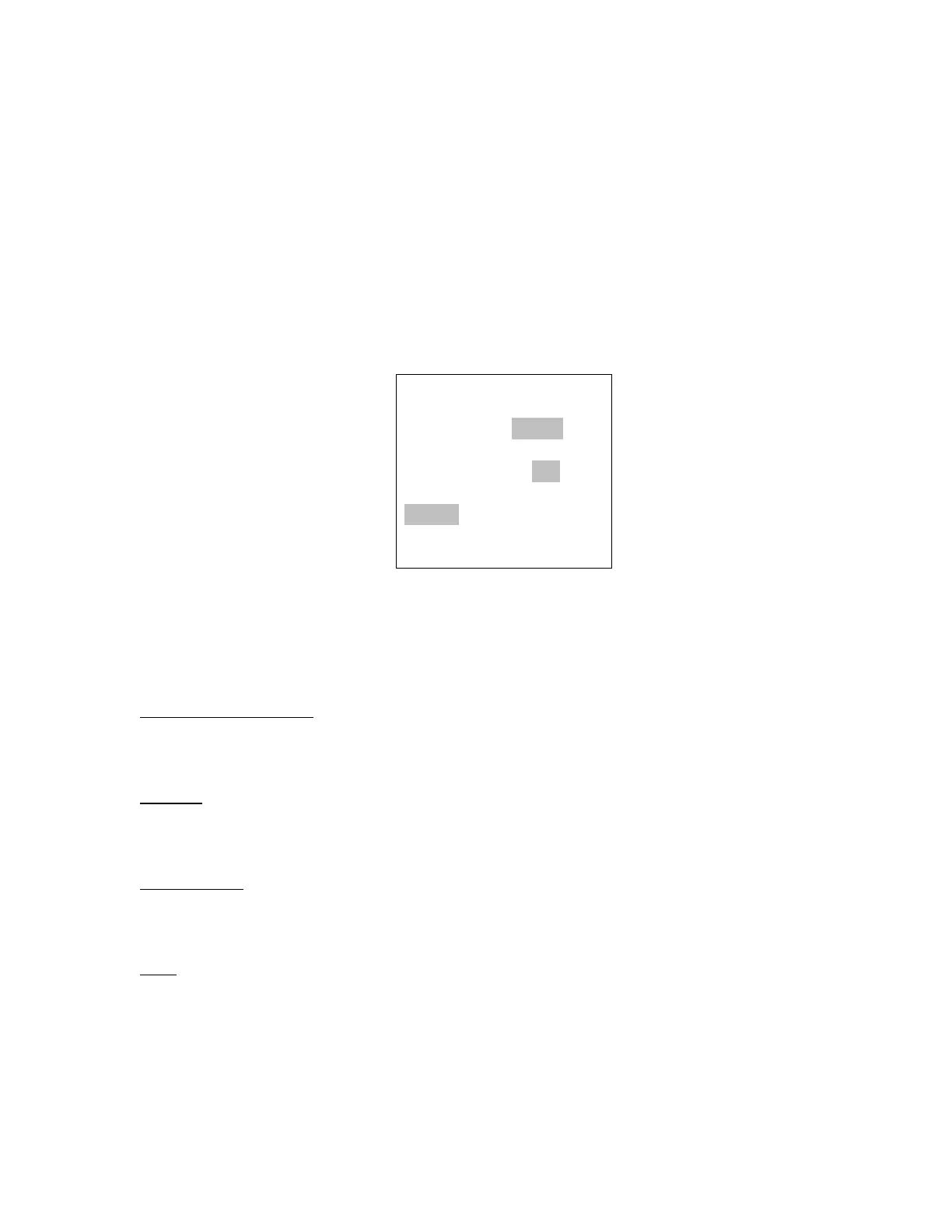
by clicking on the CHANGE button below the frequency display. You will see this screen:
The values vary due to the regulatory region that the firmware was designed for. The
frequencies and ID’s (if applicable) that are permissible by region are listed below.
North America/Canada
Frequency: 909 – 925 MHz by 2 MHz (default 915)
ID: 0-7 (default 0)
EU/UK:
Frequency: 869.425, 869.525 (default), 869.625
(No ID)
Australia/NZ:
Frequency: 919-925 MHz by 2 MHz (default 921)
ID: 0-7 (default 0)
Ham
Frequency: MHz: 420-449 MHz (default 433 MHz)
KHz: 0-900 KHz by 100 KHz (default 0 KHz)
Note: a 50 KHz offset is added to the MHZ-KHz frequency,
i.e. 420.300 is actually 420.350 MHz. This ensures that the frequency
stays inside the 420.000-449.999 MHz band.



 To Next Page