16
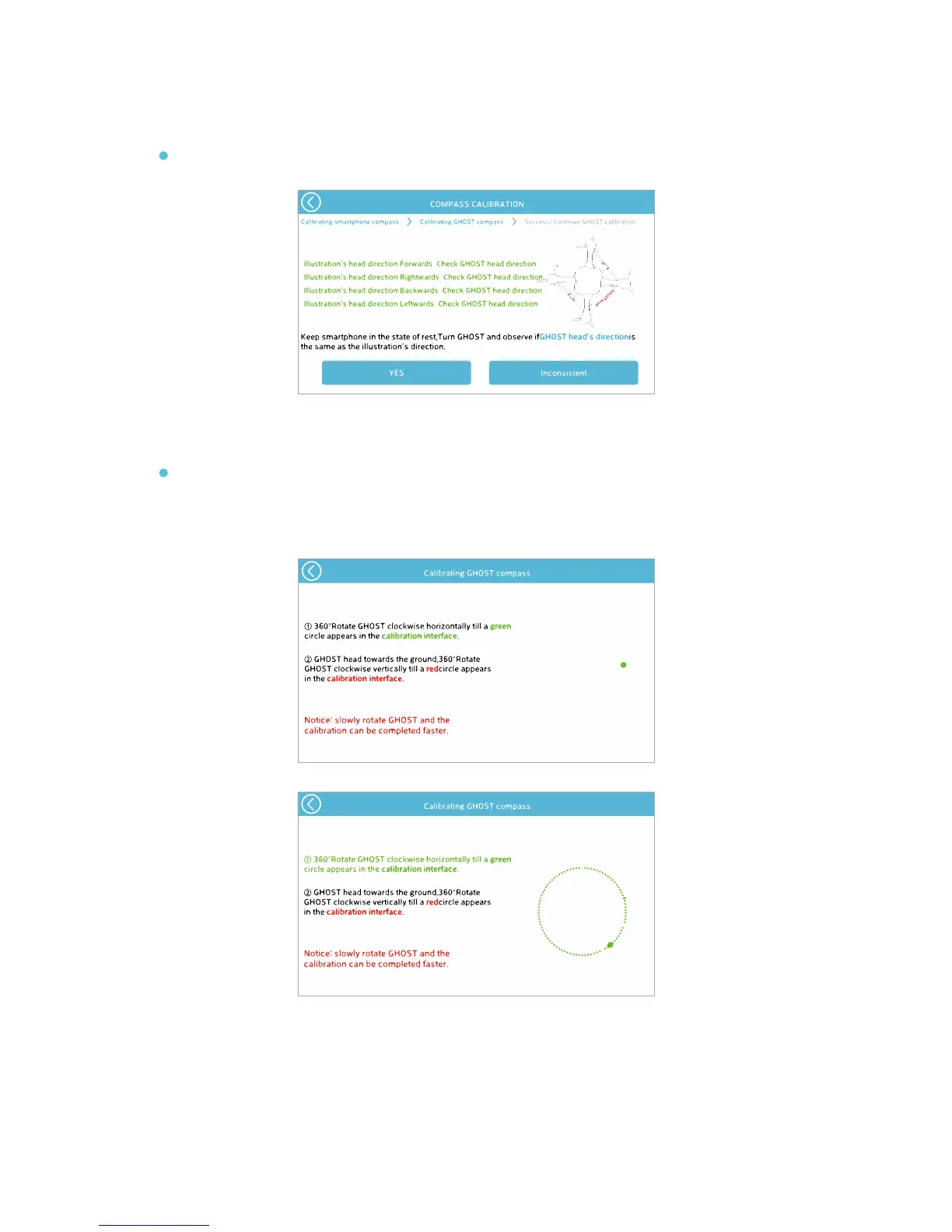
In the “Not Same” page, the green dots show the drone orientation. Rotate the GHOST Drone
slowly clockwise to populate the circle with green dots.
(1)
The red dots show the GHOST Drone trajectory. Tilt the nose down until the GHOST Drone is
perpendicular to the ground, and then slowly rotate clockwise until the red dots fully populate
the circle.
(2)
If it is not the same, click “Inconsistent” to enter compass calibration.
ALL lines of text must be green in order for the Yes button to be functional.


 To Next Page