EasyManua.ls Logo

Ei Electronics Ei605 Series - User Manual

Ei Electronics Ei605 Series
36 pages
Print Icon
To Next Page IconTo Next Page
Loading...
Instructions
Read and retain carefully for as long as the product is being used. It contains vital information on the operation and installation
of your Alarm. The leaflet should be regarded as part of the product.
If you are just installing the unit, the leaflet must be given to the householder. The leaflet is to be given to any subsequent user.
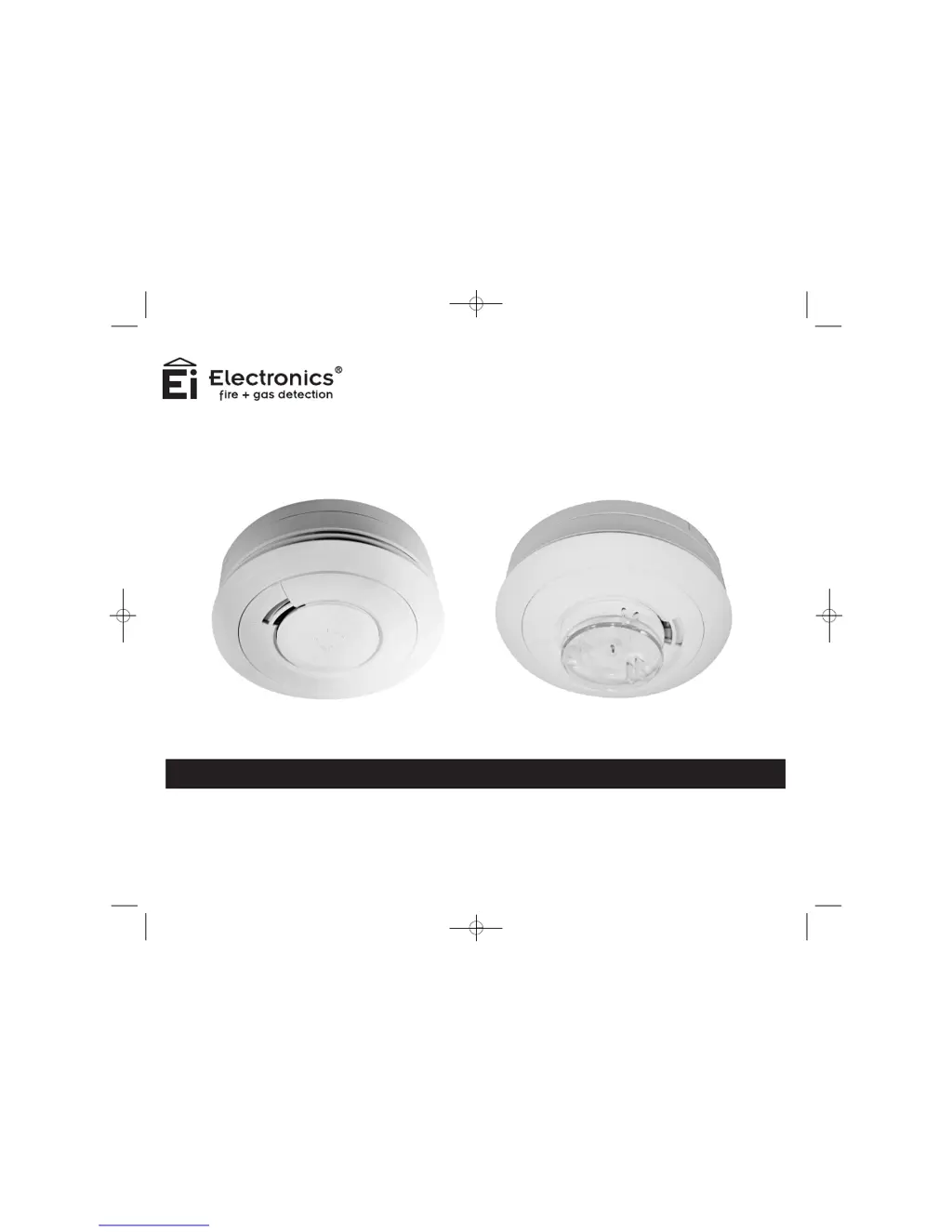
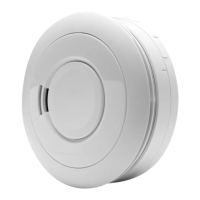
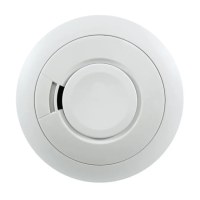
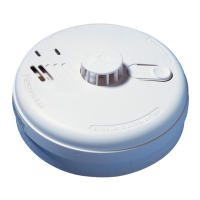
Ei605 Smoke Alarm Series Ei603 Heat Alarm Series
Battery Powered
Smoke & Heat Alarms
Ei600 Series
B16301-R3-Ei600 SERIES-U&C.qxd 28/6/10 12:10 PM Page 1

Questions and Answers

  • P
    pfloresAug 9, 2025
    What to do if my Ei Electronics Smoke Alarm doesn't sound when I press the test button?
    • F
      Felicia JenkinsAug 10, 2025
      If your Ei Electronics Smoke Alarm fails to sound when you press the Test button, consider the age of the unit by checking the replace-by label on the side. For 9V Replaceable Battery models, ensure the battery snaps are firmly connected. If you have a 10 Year Lithium Battery model, make sure the unit is twisted fully home on the mounting plate to connect the battery.
  • F
    frostdavidOct 25, 2025
    Why does my Ei Electronics Smoke Alarm keep going off for no reason?
    • B
      Brian BenitezOct 25, 2025
      If your Ei Electronics Smoke Alarm sounds for no apparent reason, it could be due to several factors. First, neighboring units might be causing the alarm if your alarms are in the default factory settings; in this case, you should house code your alarms. Also, fumes or steam from the kitchen or bathroom, as well as paint fumes, can trigger nuisance alarms. Another potential cause is contamination like cobwebs or dust, so clean the alarm if necessary. Additionally, press the Test/Hush button on the Smoke Alarm causing the Alarm (identified by the rapidly flashing red light) to silence it for 10 minutes and silence other interconnected Alarms. Finally, Smoke & Heat Alarms with RadioLINK modules sound for 2 seconds every 4 hours when there is a depleted battery in the system; check all alarms...

Summary

Quick Start Guide

Locate Correct Siting Point

Guidance on finding the correct location for the alarm unit.

Connect Battery Snaps

Steps for connecting the battery to the alarm unit for power.

Place Alarm & Twist On To Base

Procedure for mounting the alarm unit onto its baseplate.

Test Alarm

Instructions on how to test the alarm functionality.

Location & Positioning

Introduction

General advice on installing alarms throughout a property for fire warning.

Smoke Alarms - Ei605 Series

Specific placement advice for Smoke Alarms to ensure timely detection.

Heat Alarms - Ei603 Series

Guidance on where to install Heat Alarms and their purpose.

Multi-Storey Dwellings

Recommendations for alarm placement in multi-level homes.

Single Storey Dwelling

Placement advice for single-level homes.

Recommended Protection

General recommendations for optimal alarm coverage.

Checking Alarms Can Be Heard

Ensuring alarms are audible in all rooms, including with doors closed.

Ceiling Mounting

Best practices for mounting alarms on the ceiling.

On a Sloping Ceiling

Specific instructions for installing alarms on sloped or peaked ceilings.

Locations to Avoid

Areas where Smoke Alarms should not be placed due to potential false alarms.

Installation

Installation Procedure

Step-by-step guide for installing the smoke and heat alarms.

Tamperproofing the Alarms

Methods to secure the alarm unit and prevent unauthorized removal.

Interconnection - Hard Wired

Interconnection - Hard Wired

Details on wiring multiple alarms together for synchronized alarming.

Testing, Maintenance & Power Supply Monitoring

Manually Testing your Alarms

Procedure for regularly testing alarm functionality and family familiarity.

Test;Hush Button to Control Nuisance Alarms

Using the Test/Hush button to manage false alarms and nuisance alerts.

Power Supply Monitoring

Guidance on identifying and resolving power issues or low battery alerts.

Battery Replacement

Instructions for replacing batteries in 9V models and handling lithium batteries.

RadioLINK Module Units

Troubleshooting RadioLINK units with depleted batteries.

Cleaning your Alarm

Regular cleaning procedures to maintain alarm performance and prevent false alarms.

Smoke Alarm Automatic Self-Test

Information on the automatic self-testing feature of Smoke Alarms.

Dust & Insect Contamination

Understanding and preventing false alarms caused by dust or insects.

End of life

Criteria for replacing the alarm unit after its operational lifespan.

Fire Safety Advice

Fire Safety Advice

Essential safety precautions and emergency preparedness for fire situations.

Fire Safety Hints

General tips and advice for preventing fires and ensuring home safety.

Alarm Limitations

Limitations of Smoke;Heat Alarms

Circumstances where Smoke/Heat Alarms may be ineffective or fail to operate.

RadioLINK Accessories

RadioLINK Accessories

Description of RadioLINK interconnect modules for wireless connectivity.

Getting Your Alarm Serviced

Getting Your Alarm Serviced

Procedure for obtaining service or repair for a faulty alarm unit.

Five Year Guarantee

Five Year Guarantee

Details of the manufacturer's warranty and guarantee terms.

Troubleshooting

Alarms Sound for No Apparent Reason

Causes and solutions for alarms activating without a clear fire event.

Alarm Fails to Sound on Test Button Press

Troubleshooting steps when the alarm does not respond to the test button.

Contact Us

Contact Us

Information for contacting customer support and manufacturers.

Ei Electronics Ei605 Series Specifications

General IconGeneral
BrandEi Electronics
ModelEi605 Series
CategorySmoke Alarm
LanguageEnglish

Related product manuals