RECORDING ON THE STUDENT TRACK
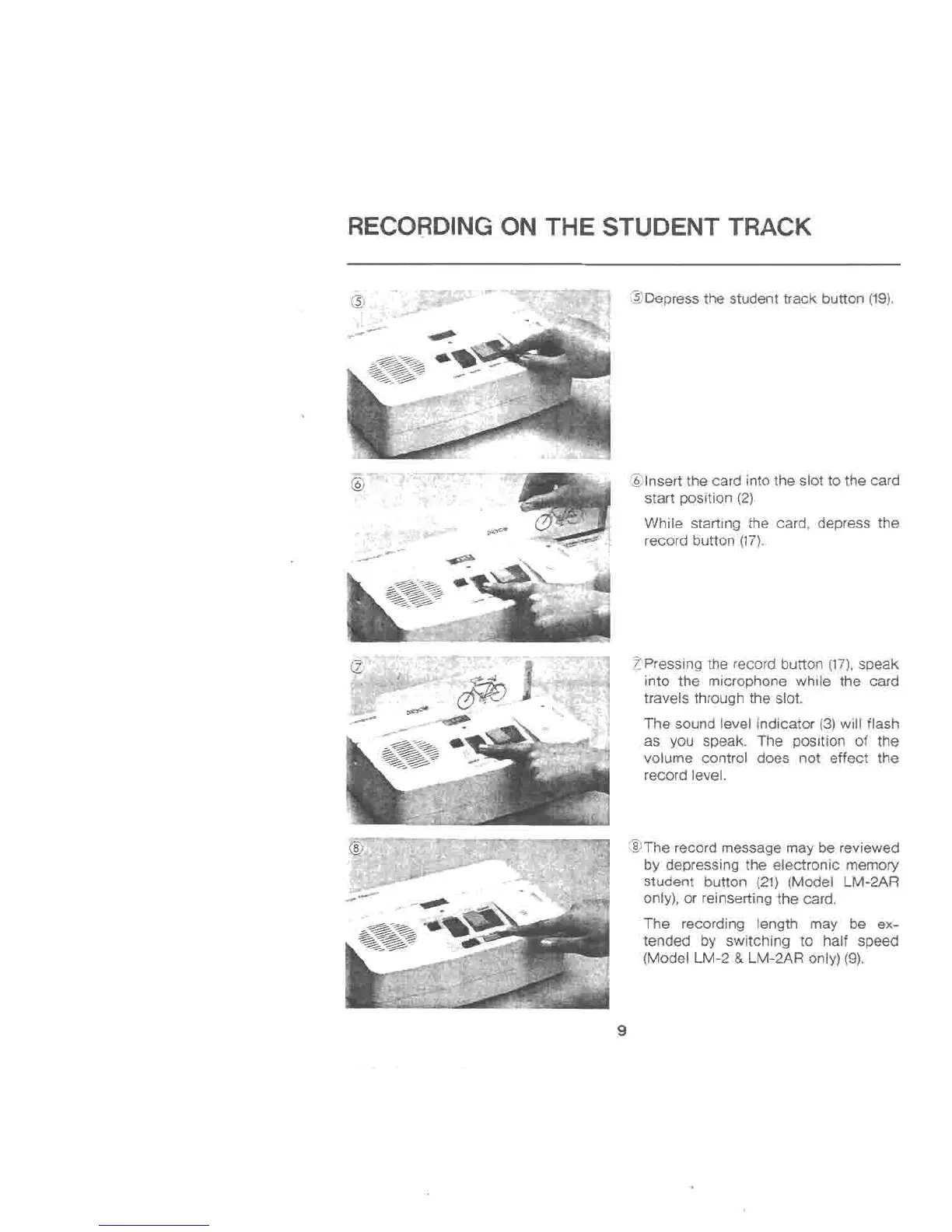
@Depressthe student track button (19).
@Insertthe card into the slot to the card
start position (2).
While starting the card, depress the
record button (17).
~Pressing the record button (17),speak
into the microphone while the card
travels through the slot.
The sound level indicator (3)will flash
as you speak. The position of the
volume control does not effect the
record level.
@The record message may be reviewed
by depressing the electronic memory
student button (21) (Model LM-2AR
only), or reinserting the card.
The recording length may be ex-
tended by switching to half speed
(Model LM-2 & LM-2AR only) (9).
9



 To Next Page