.- - --.---
LlSTENI~GTOTHETEACHER/STUDENTTRACK
I
1
I
I
I
I
~
f
CD
~~
~
,' .~~-~'I
. .- . ~. .>. ~ " '. "
-- ,.",' ,
;.;:,/;;:.
I
.-,
.. I
{
--
..~~,,..........
--
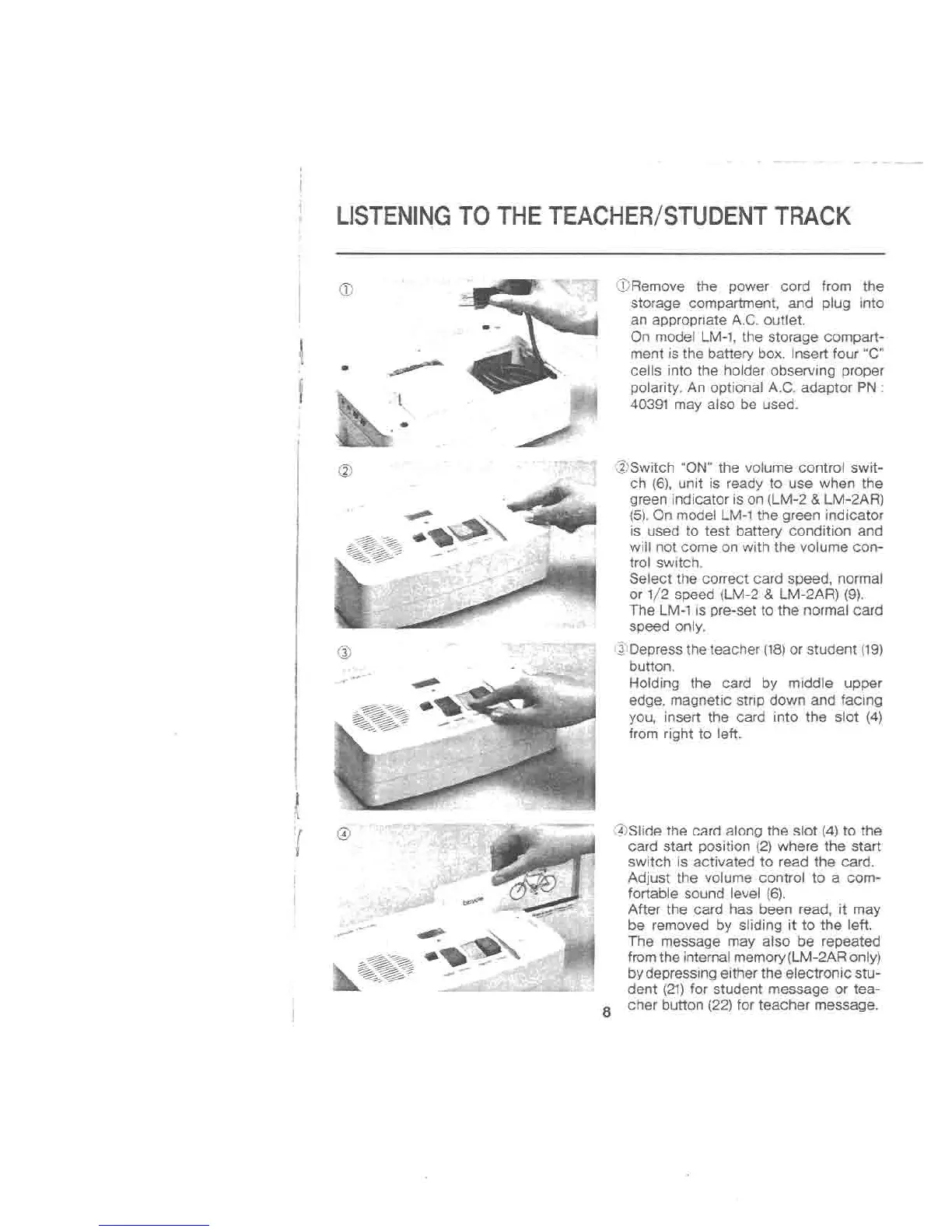
CDRemovethe power cord from the
storage compartment, and plug into
an appropriate A.C.outlet.
On model LM-1,the storage compart-
ment isthe battery box. Insert four "C"
cells into the holder observing proper
polarity.An optional A.C.adaptor PN:
40391 may also be used.
@Switch "ON"the volume control swit-
ch (6),unit is ready to use when the
green indicatoris on (LM-2&LM-2AR)
(5).Onmodel LM-1the green indicator
is used to test battery condition and
willnot come on withthe volume con-
trol switch.
Select the correct card speed, normal
or 1/2 speed (LM-2&LM-2AR)(9).
The LM-1is pre-set to the normal card
speed only.
@Depress the teacher (18)or student (19)
button.
Holding the card by middle upper
edge, magnetic strip down and facing
you, insert the card into the slot (4)
from right to left.
@Slide the card along the slot (4)to the
card start position (2)where the start
switch is activated to read the card.
Adjust the volume control to a com-
fortable sound level (6).
After the card has been read, it may
be removed by sliding it to the left.
The message may also be repeated
from the internal memory (LM-2ARonly)
bydepressing either the electronic stu-
dent (21)for student message or tea-
8 cher button (22)for teacher message.



 To Next Page