RECORDING ON THE TEACHER TRACK
I
:1
'I
.
'I
I
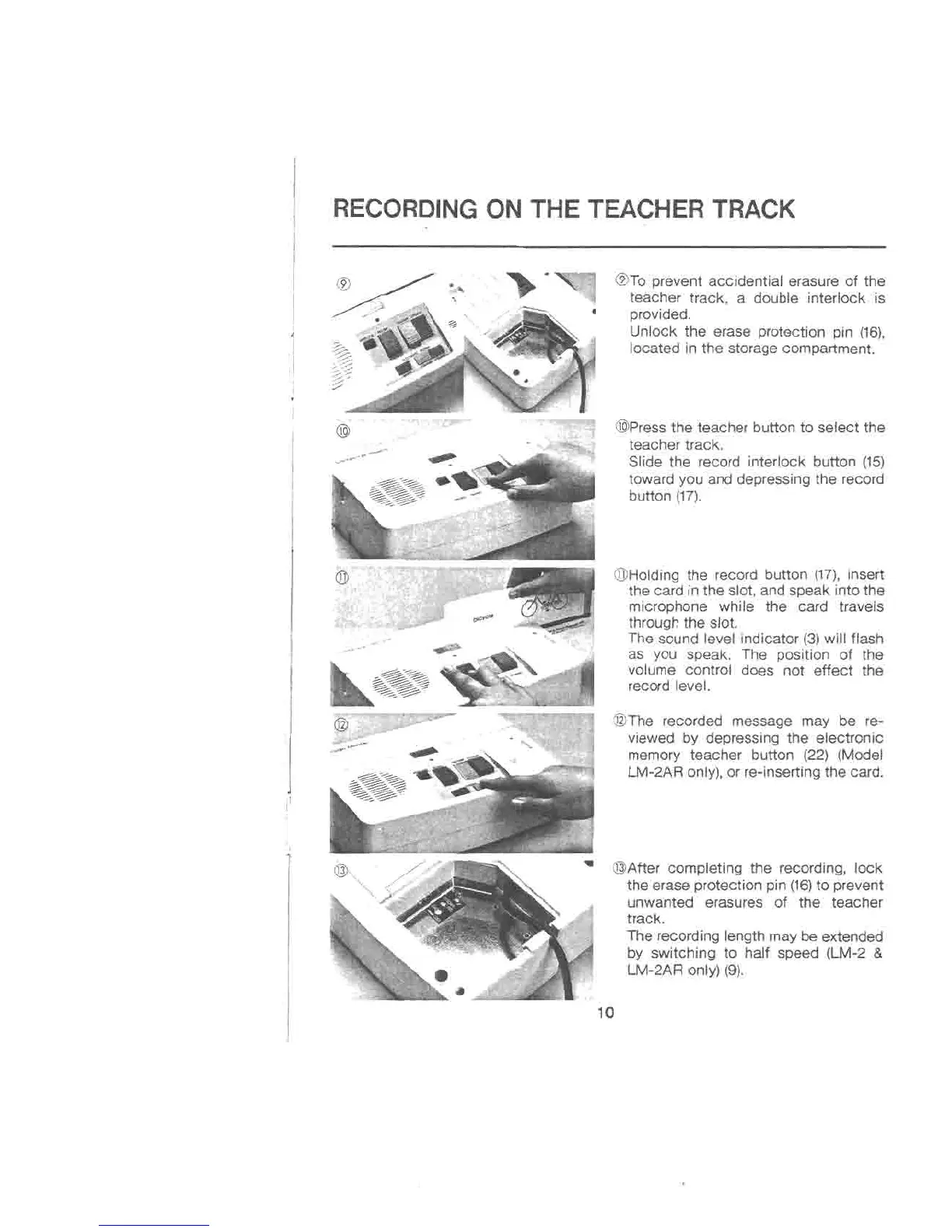
@To prevent accidential erasure of the
teacher track, a double interlock is
provided.
Unlock the erase protection pin (16),
located in the storage compartment.
@Pressthe teacher button to select the
teacher track.
Slide the record interlock button (15)
toward you and depressing the record
button (17).
@Holding the record button (17),insert
the card in the slot, and speak into the
microphone while the card travels
through the slot.
The sound level indicator (3) will flash
as you speak. The position of the
volume control does not effect the
record level.
@The recorded message may be re-
viewed by depressing the electroni.c
memory teacher button (22) (Model
LM-2AR only), or re-inserting the card.
@After completing the recording, lock
the erase protection pin (16)to prevent
unwanted erasures of the teacher
track.
The recording length may be extended
by switching to half speed (LM-2 &
LM-2AR only) (9).
10



 To Next Page