9
ENG
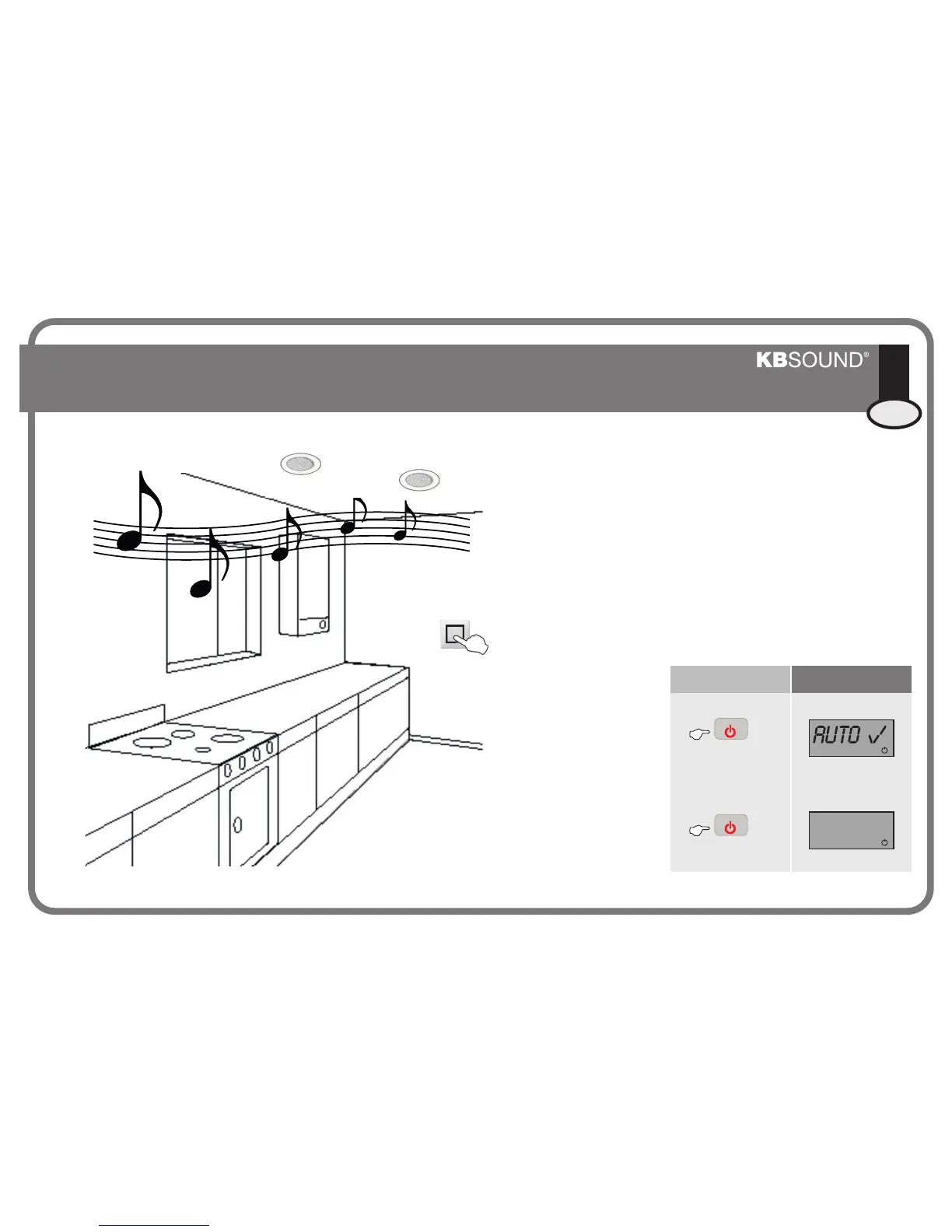
5. Selecting Turn-On Mode
If the Turn-On mode is set to
“on” in this state, when
power is fed to the unit, it will
turn on in “ideal” mode (see
Chapter 6. “Ideal Mode”).
If the Turn-On mode is set to “off”,
when power is fed to the unit, it will
turn on in “off” mode.
This function is designed for use in the event that the power
supply is fed by a specifically designated switch. In this case, the automatic
activation mode must be programmed in order to automatically turn on the
unit when the switch is activated.
These steps must be followed:
®
®
KBSOUND
KBSOUND
1. Supply power to the unit by flicking the switch.
The unit will flicker a couple of times and turn off.
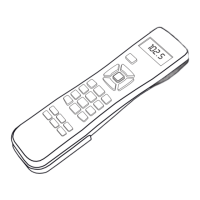
2. Turn on the unit using the remote control (ON/OFF
key).
3. With the unit turned on, keep the ON/OFF key
pressed down for 5”.
®
®
®
®
KBSOUND
KBSOUND
KBSOUND
KBSOUND
Key Sequence Display
AUTO x
5’’
5’’
PGR ON/OFFPRG ON/OFF
PGR ON/OFFPRG ON/OFF
CC-1146-01.1


 To Next Page