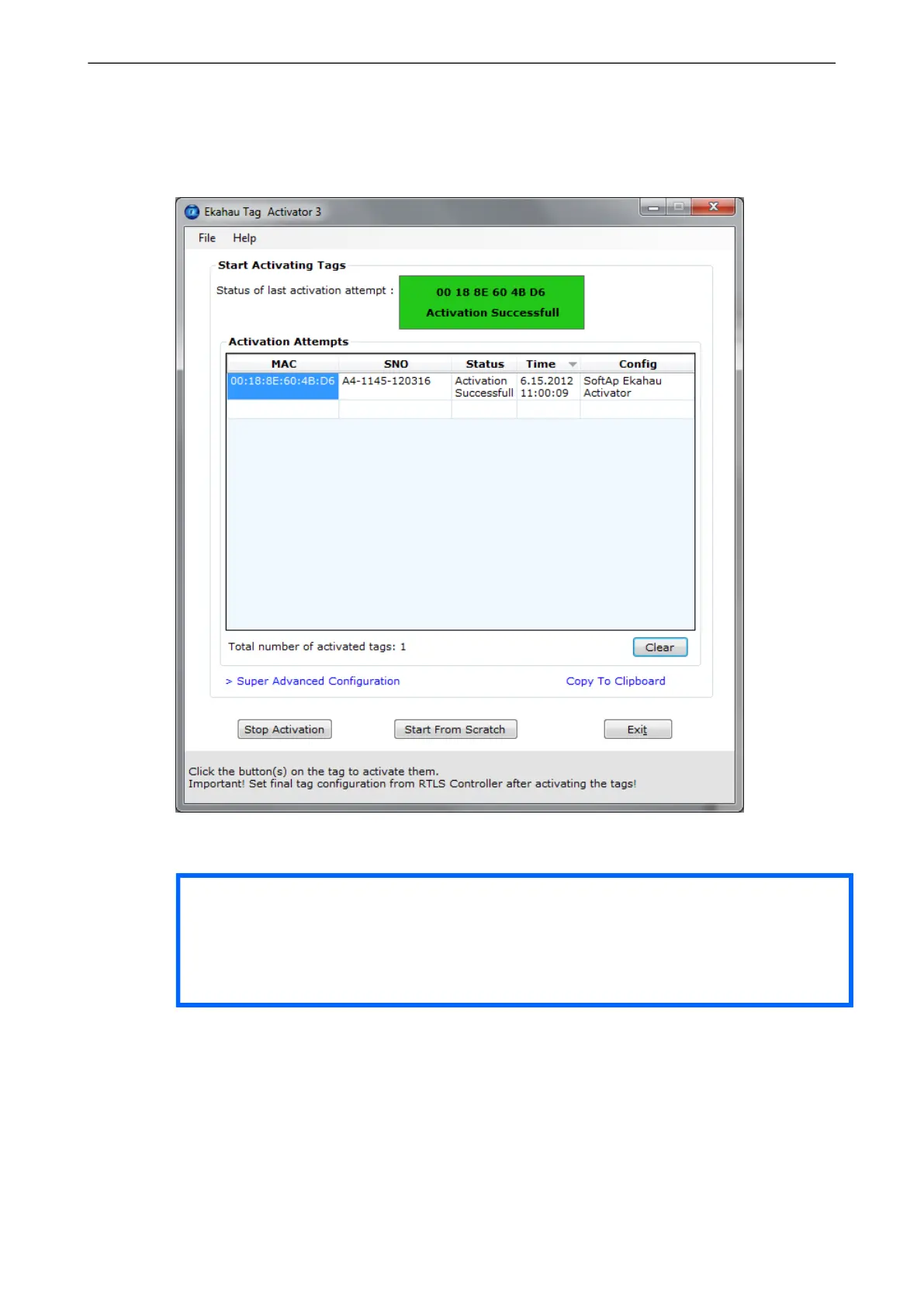
Figure 2.8. The Activator has activated one tag
After completing activating the tags, click the 'Stop Activation' button and exit the activation window.
Tip
After you have finished the activation, you can save the configuration for future use from the
file menu. If you save the settings with 'Save As Default' the setup will be the default every
time the Activator is started.
Chapter 2. Initial Activation of the Tag
13



 To Next Page