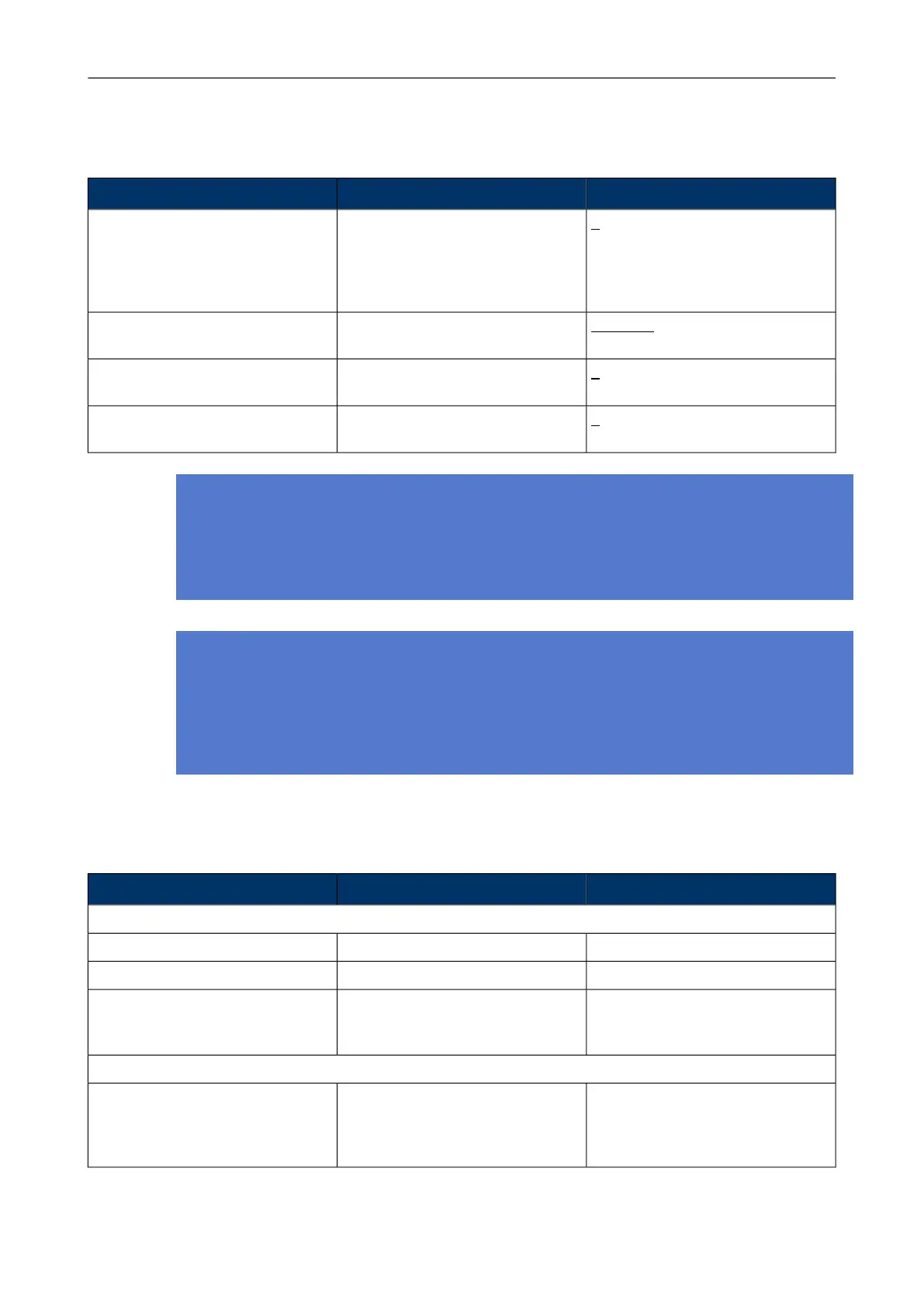
Values (Default underlined)DescriptionSetting
1 - 10Number of scans the tag does on
each triggered scan despite the
triggering event. Used to improve
the accuracy in difficult conditions
and for rarely scanning applications
Initial Scan Count
No Delay; 250ms; 500ms; 1000ms;
1500ms; 2000ms
Delay between the scansDelay between initial scans
0 - 10The number of scans the tag per-
forms for each after motion event
After Motion Scan Count
0 - 10The number of scans the tag per-
forms for each button event
Button Scan Count
Note
Network wide DHCP enables roaming between subnetworks. With this setting the tag refreshes
its IP address whenever the tag associates with a new access point. It is not recommended to
use the feature, if not required, due to higher power consumption.
Note
Using the Advanced Scan Settings needs a careful consideration. The scanning consumes
a high amount of energy, and the more scanning is done the less battery life the tag has. Typ-
ically these parameters are used to improve accuracy in very difficult conditions or in cases the
tag otherwise would scan rarely.
3.2 Tag Actions Available in ERC Tags Properties Page
ValuesDescriptionSetting
User Data
Free textA user given name for tagName
Free textA custom noteCustom
List of groups or "No Groups cre-
ated" if no groups exist. Go to
groups page to create groups
The groups the tag belong toMember of Groups
Commands
LED; LED and Buzzer
Duration: 10s; 1min; 10min; 30min;
1h; 2h
Launches the alarm at the tag with
LEDs and buzzer or silently with
LEDs only. The alarm duration can
be set
LED / Buzzer
Chapter 3. Configuration After Initial
Activation
19



 To Next Page