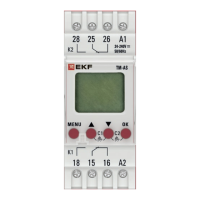
17
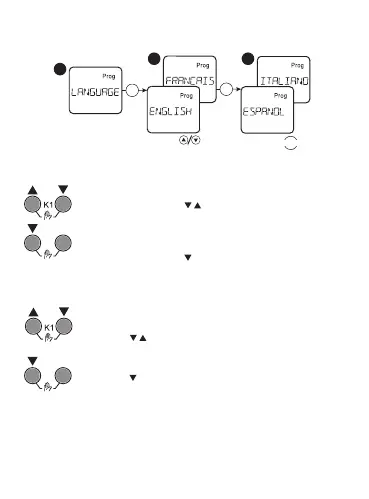
Language selection:
1
2 3
MENU
OK
OK
Manual load control:
K2
ОK
>2с
K2
ОK
AUTO/MANUAL
Press the buttons « » at the same time in order
to go to channel 1 load control in manual mode. If the
settings of the program on channel 1 are changed, the
timer will return to the automatic mode.
Press the buttons « » and «ОК» at the same time
in order to go to channel 2 load control in manual
mode. If the settings of the program on channel 2 are
changed, the timer will return to the automatic mode.
Press and hold at the same time within 2 sec the
buttons « », the output state of channel 1 switches
to PERM ON/PERM OFF.
Press and hold at the same time within 2 sec the
buttons « » and «ОК» the output state of channel 2
switches to PERM ON/PERM OFF.

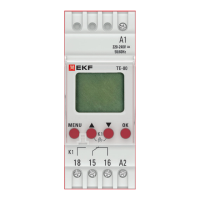

 To Next Page