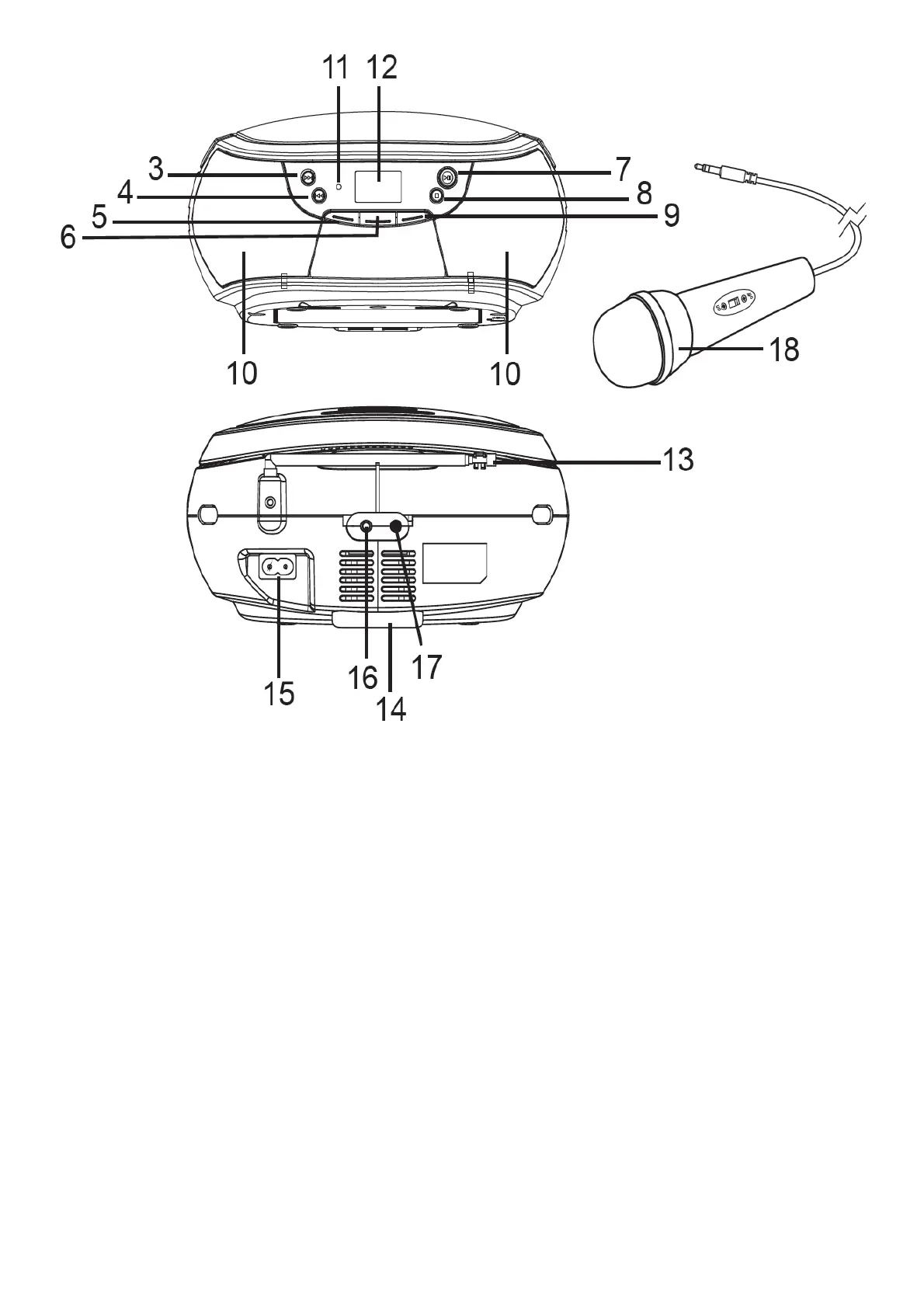
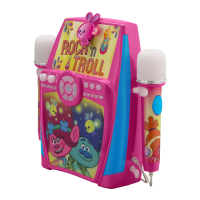
1. HANDLE
2. CD COMPARTMENT
3. TUN. + BUTTON
4. TUN. – BUTTON
5. VOL. – BUTTON
6. SOURCE BUTTON
7. REPEAT/SCAN/M.+ BUTTON
8. MEM./PROG BUTTON
9. VOL.+ BUTTON
10. SPEAKERS
11. STB INDICATOR
12. LCD DISPLAY
13. FM TELESCOPIC ANTENNA
14. BATTERY COMPARTMENT
15. AC SOCKET
16. AUX-IN JACK
17. MIC JACK
18. MICROPHONE
PLAYING A DISC
1. The playback starts from track 1, Press the REPEAT/SCAN/M.+ button to pause playback, the ► indicator and
the current track will flash on the display. To resume playback, press the REPEAT/SCAN/M.+ button again.
2. To stop playback, press the MEM./PROG button, the total number of tracks appears on the display.



 To Next Page