MEM./PROG button to confirm.
3. To search another station, repeat steps (1) & (2) until all desired stations stored. Up to 30 stations can be
programmed.
4. To tune to the next preset station, press REPEAT/SCAN/M.+ button
CD OPERATION
Discs for Playback
This system can playback all digital audio CD, finalized digital audio CD-Recordable (CD-R) discs, finalized digital
audio CD-Rewritable (CD-RW) discs.
LOADING A DISC
1. Press the SOURCE button on unit to select “CD” mode.
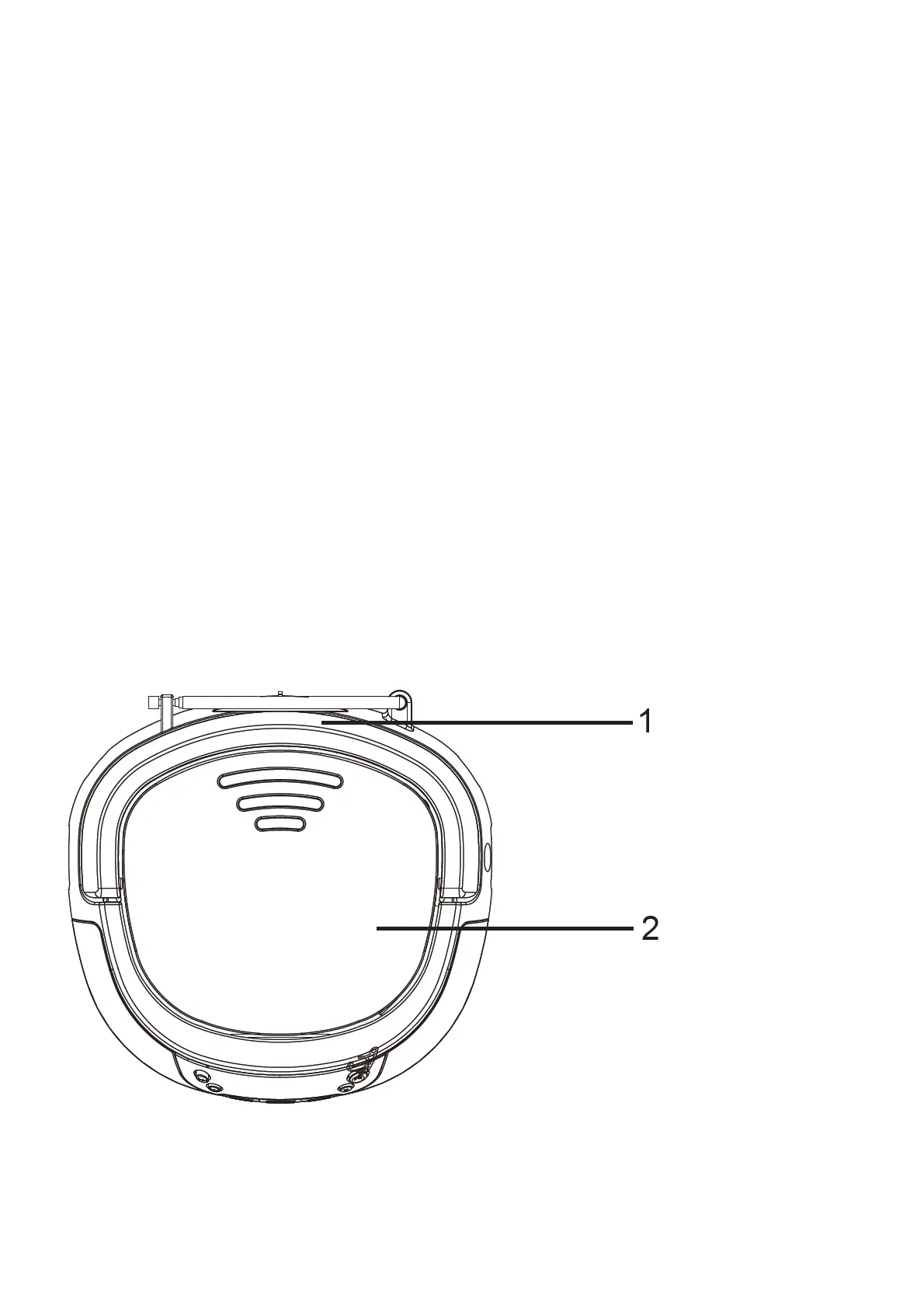
2. Open CD door, “OP” will be shown on the display.
3. Place an audio CD into the tray with the front side facing up.
4. Close the CD door, the display will show a flashing “- -”, then the playback will start from the first track.
5. To remove the CD, press MEM./PROG button to stop, then open the CD compartment lid. Hold the CD by its
edges, and take it out carefully.
Note:
1. Make sure the disc is stopped before opening the CD DOOR.
2. To ensure good system performance, wait until the unit completely reads the disc before proceeding.
3. If no disc loaded into the tray, or the disc is unreadable, the display will show “NO”.
MICROPHONE OPERATION
This unit provides one 3.5mm Mic Jack for Karaoke function. The microphone is available in all modes. Connect a
3.5mm microphone to the mic jack, then turn on the microphone.
CONTROLS


 To Next Page