17
OPERATION (CONT.)
RESET
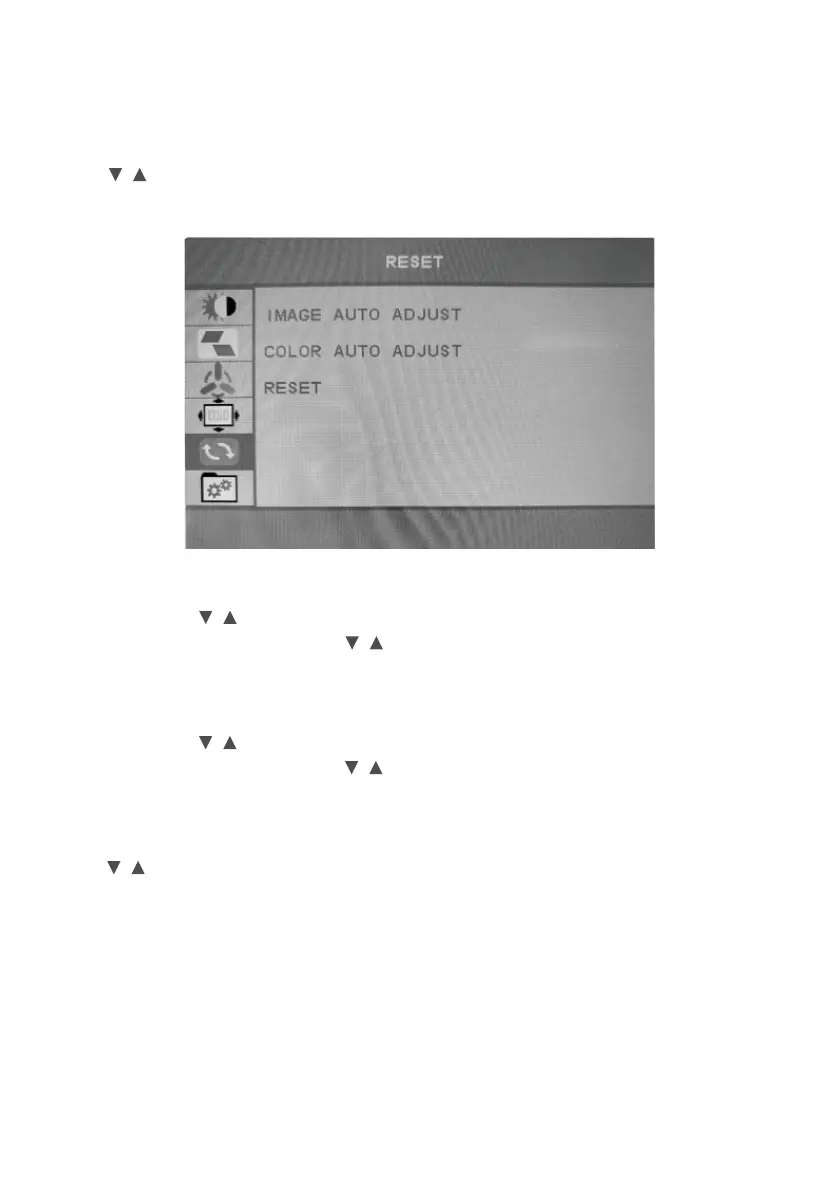
Press / button to selec reset in the main menu, and then press MENU button to enter.
IMAGE AUTO ADJUST
VGA mode press / button to select image auto adjust, and then press MENU button
to confirm your selection and press / button to choose image press MENU button
auto adjust.
COLOR AUTO ADJUST
VGA mode press / button to select color auto adjust, and then press MENU button
to confirm your selection and press / button to choose color press MENU button
auto adjust.
RESET
press / button to select reset, and then press MENU button to confirm your selection
and press MENU button to choose reset monitor.


 To Next Page