26
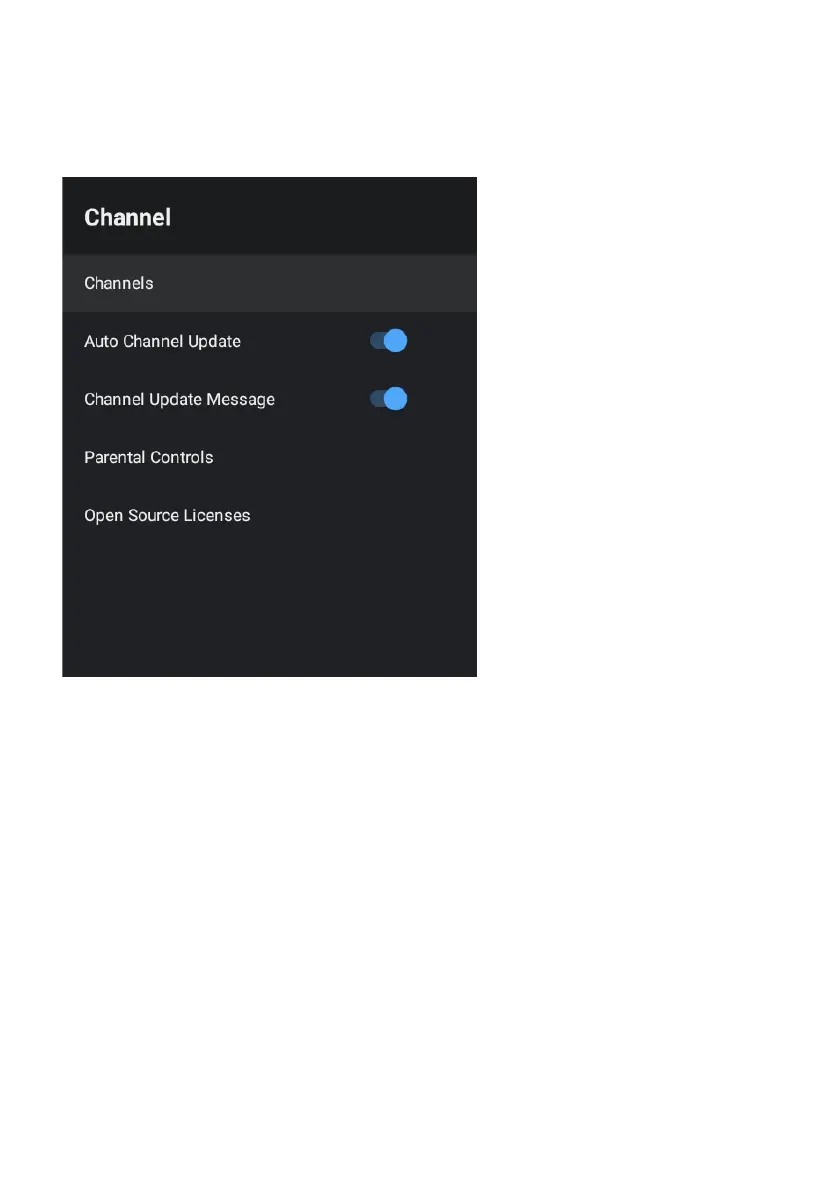
CHANNEL MENU
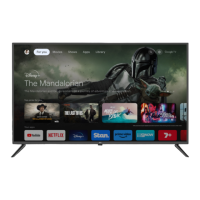
To access CHANNEL menu, select SETTING icon (#5 on page 19) via the HOME screen.
Then go down and select “CHANNEL”.
Channels
Display the scan sub-menu based on dierent channel installatino modes.
Auto Update Channel - Enable or disable, allows your TV to automatically update if any
changes made to scanned DTV channels.


 To Next Page