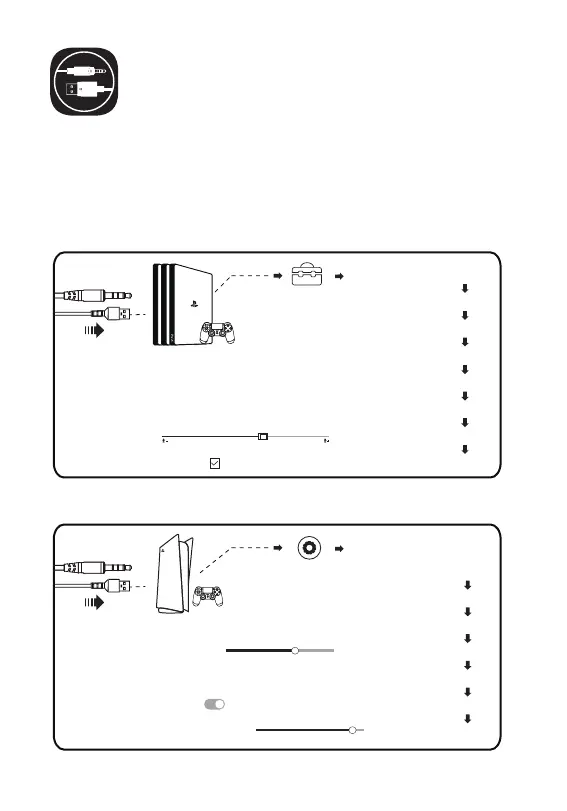
[Einstellungen]
[Ton]
[Mikrofon-Eingabegerät-Kopfhörer (EKSA E900 Pro)]
[Mikrofonstufe anpassen]
[Audioausgabe- Ausgabegerät-Kopfhörer (EKSA E900 Pro)]
[Wechseln Sie das Ausgabegerät automatisch]
[Volume-Kopfhörer]
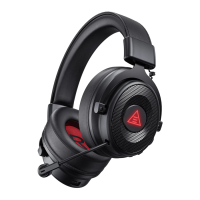
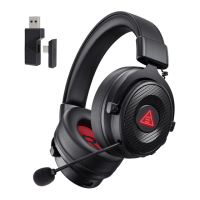
Gebrauchsanleitung
PlayStation® 4 / PlayStation® 5:
Schließen Sie Ihren PS®4/PS®5-Steuergerät direkt über das USB-oder
3,5-mm-Audiokabel an und befolgen Sie die folgenden Schritte, um die
Audioeinstellungen zu überprüfen, um sicherzustellen, dass Ihre
PS®4/PS®5 automatisch Audio für Wiedergabe und Mikrofon schaltet.
PS®4
30
PS®5
[Einstellungen]
[Geräte]
[Audiogeräte]
[Ausgabegerät - Kopfhörer (EKSA E900 Pro)]
[Eingabegerät-Kopfhörer (EKSA E900 Pro)]
[Lautstärkeregelung (Kopfhörer)]
[Mikrofonstufe anpassen]
[Wechseln Sie das Ausgabegerät automatisch]



 To Next Page