4
Operation function
2″
x1
x1
2″
Note:
When you use headphones, if you find that the environmental noise is not
reduced. then you need to turn on the environmental noise reduction function.
how to use as below:
At the same time, long press both volume up and volume down buttons to turn
on or turn off the environmental noise reduction function. you can hear the voice
prompts here “microphone on” or “microphone off” (After turn on the environ-
mental noise reduction function, unless it needs to be turned off under special
circumstances, it will remain turned on at other times)
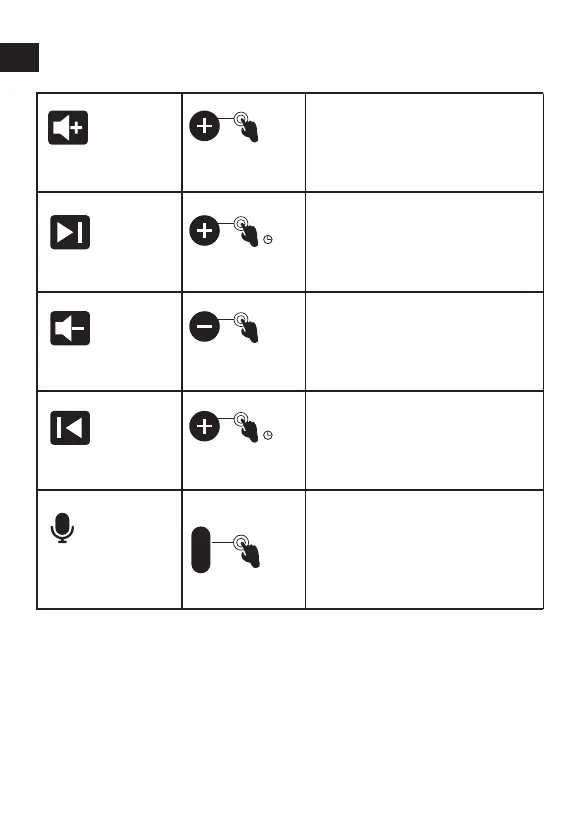
Click the mute button to
mute microphone(voice
prompt) and click mute
button to cancel mute
(voice prompt).
Mute
Microphone
x1
Click volume “+” button
Volume “+”
Long press the volume “+
”button for 2 seconds
Next track
Click Volume “-” button
Volume “-”
Long press the volume “-
”button for 2 seconds
Previous track



 To Next Page