6
How to Use
If the headset fails to pair with your Bluetooth® device,
you need to clear the pairing history. When the headset is
charging, long press and hold multi-function button for
over 10 seconds until the LED indicator flashes red and
blue. Then re-pair your Bluetooth® device as instructed in
Pairing.
Clear Bluetooth® Pairing
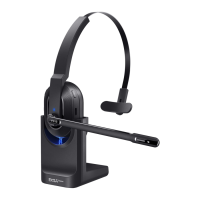
Charging
When the EKSA-H1 is in low battery, the red light flashes,
please charge it immediately. Charging for about 3 hours,
when the red light is off and the blue light is always on, it
means that the battery is fully charged.
*Note:
A. When EKSA-H1 is not in use, please charge it at least
one time every 2 months.
Charging voltage can't exceed 5V.
B. It is recommended to charge the headphones using
only the original USB cable. Don't use headphones when
Charging.
C. Please make sure the microphone is not muted before
using.


 To Next Page