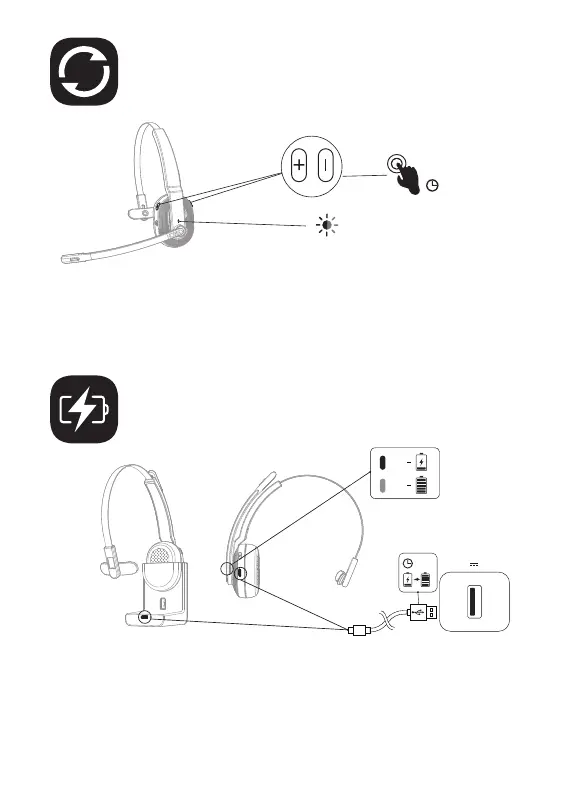
1. When the battery is less than 10%, the headset will give a voice prompt
"battery low" every 3 minutes. Please charge it as soon as possible.
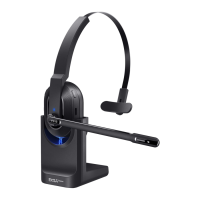
2. When EKSAtelecom H5 is not in use, please charge it at least once every
2 months.
3. Please use the original charging cable for charging. Charging voltage can't
exceed 5V.
6″
The Bluetooth indicator flashes alternately
in red and blue.
≥1.5H
5V 1A
Reset
Charging
When EKSAtelecom H5 is in connected/pairing mode, press and
hold the "volume + " and "volume - " buttons simultaneously for 6
seconds until the LED lights up in red and blue, indicating the pairing
information is cleared.
Red
Blue
10


 To Next Page