Dual Pairing
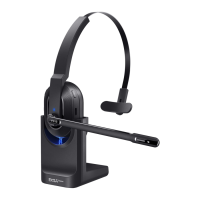
EKSA-H5
OFF
device A
device A
device B
device B
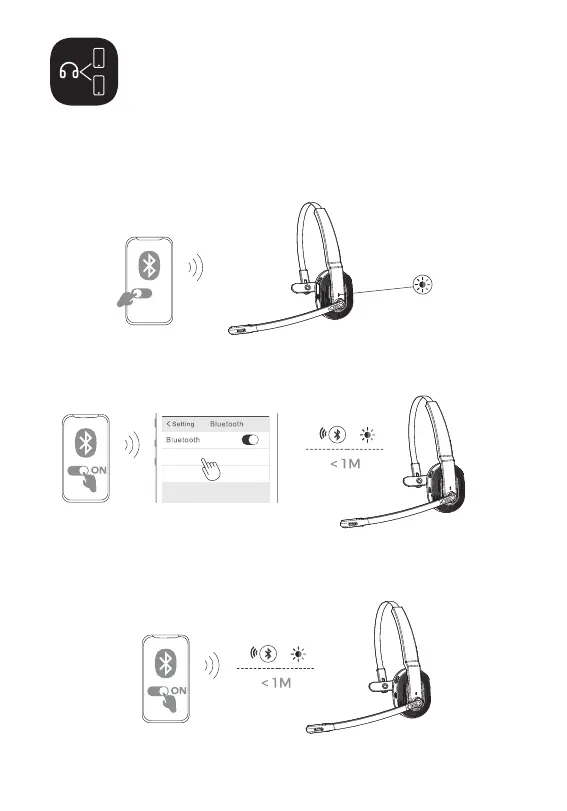
1. After successfully connecting the EKSAtelecom H5 to device A,
turn off the Bluetooth of device A. The headset’s Bluetooth
indicator flashes in red and blue alternately to signify pairing
mode.
2. Turn on the Bluetooth of device B, activate search mode, and
connect to EKSAtelecom H5.
3. Turn on the Bluetooth of device A to connect with EKSAtelecom H5.
This puts both devices A and B in a simultaneous connection with
EKSAtelecom H5.
9


 To Next Page