Bluetooth Pairing
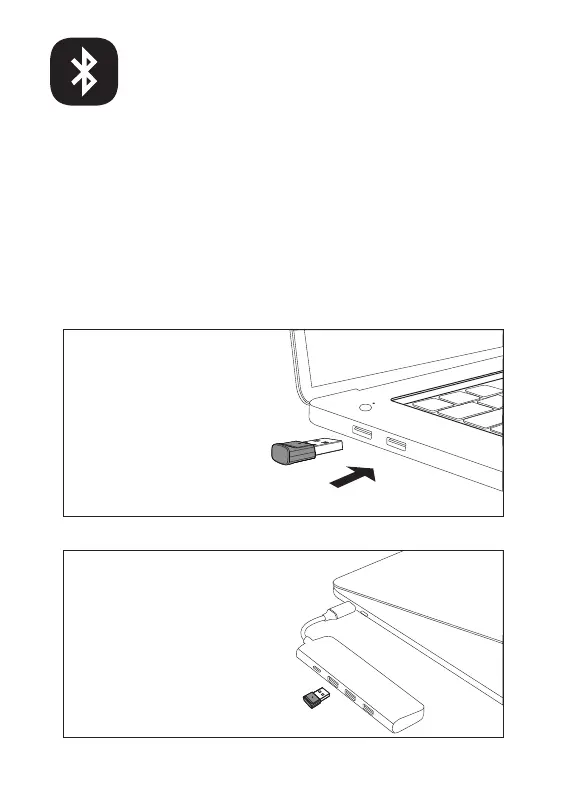
1. Plug the EKSA PC adapter into your PC's USB port. The adapter
will turn on automatically with a name of "EKSA PC Adapter"
displaying on your computer.
7
PC:
USB-A interface
Type-C interface
(Not included)
If you want to connect the headset to a PC, you can use the EKSA
PC adapter provided in the package. Then, you can enjoy the call
function and compatibility of the third-party software of the PC.
Follow the steps below to get it done.


 To Next Page