Need help?
Do you have a question about the eKuore Veterinary Endoscope and is the answer not in the manual?
Lists the functional components and controls available within the mobile application interface.
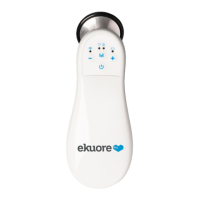
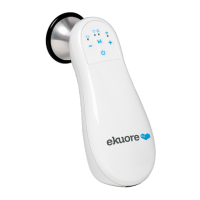
Identifies and describes the physical parts of the veterinary endoscope system.
Details all the items included within the veterinary endoscope package.
Outlines the specifications, capabilities, and performance characteristics of the endoscope.
 General
| Type | Flexible Endoscope |
|---|---|
| Connectivity | Wireless |
| Image Capture | Yes |
| Video Recording | Yes |
| Portability | Portable |
| Diameter | 5.5 mm |
| Field of View | 120 degrees |
| Depth of Field | 5-50 mm |
| Light Source | LED |
| Bending Section | Up to 180 degrees |
| Waterproof | Yes |
| Working Length | 1 meter |
| Direction of View | Forward |
| Compatible Devices | Smartphones, Tablets |
| Operating System Compatibility | iOS, Android |
| Application | Veterinary diagnostics and procedures |


 To Next Page