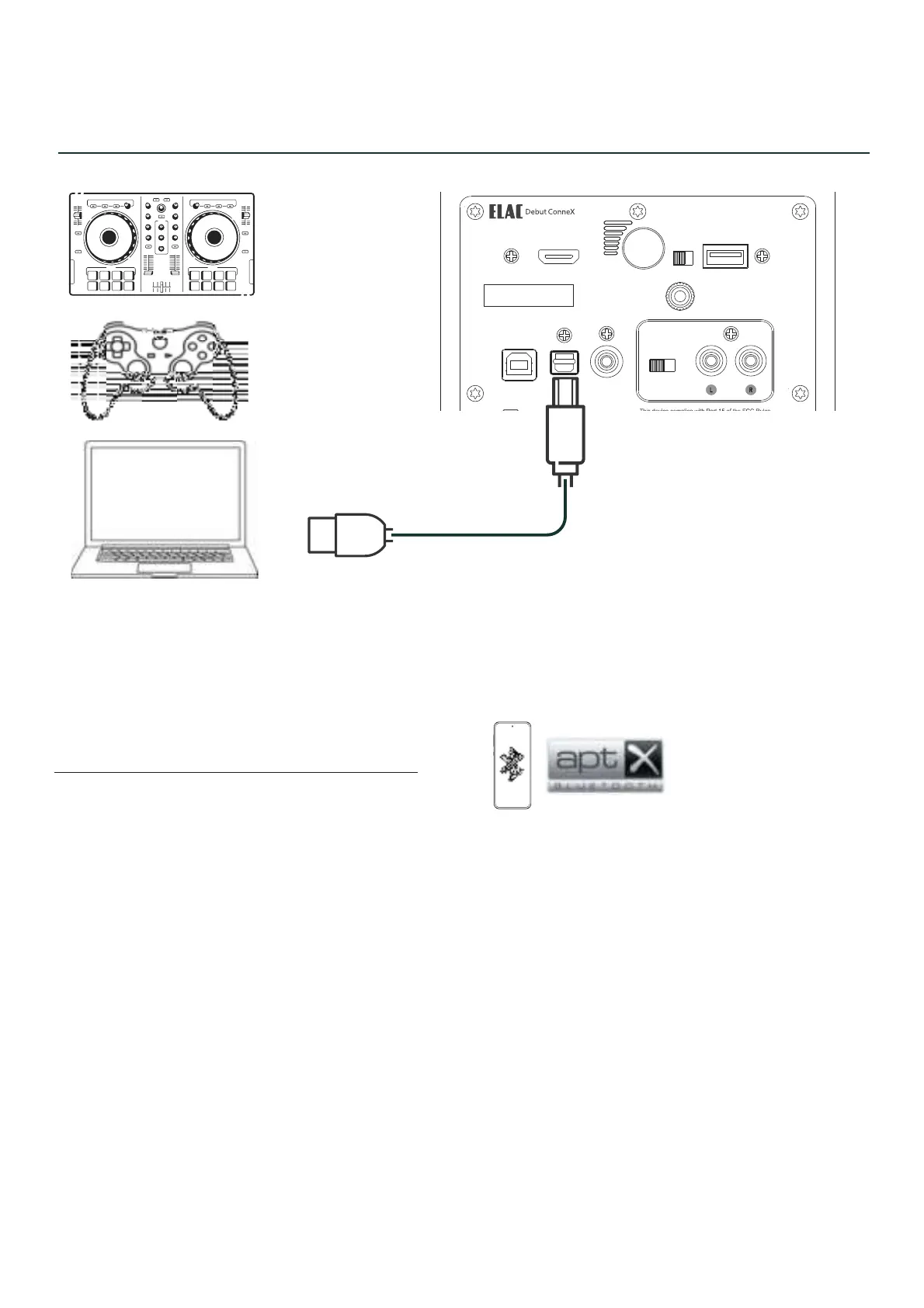
CONNECTIONS - COMPUTER
Connect to your USB devices with USB Type B cable (printer cable).
CONNECTIONS - BLUETOOTH
When initial power up - BT LED will flash if nothing is paired to it.
When LED is flashing, “ELAC DCB41” is visible on your device.
Pairing can also be initiated as follows:
Press and hold BT source on remote until LED flashes.
Press and hold rear volume button on speaker when in BT input until LED flashes.
ELAC DEBUT ConneX DCB41 | www.elac.com | Page 7
!
"#$%#&
'()*+,'(
+-.++.
-/
0


 To Next Page