13
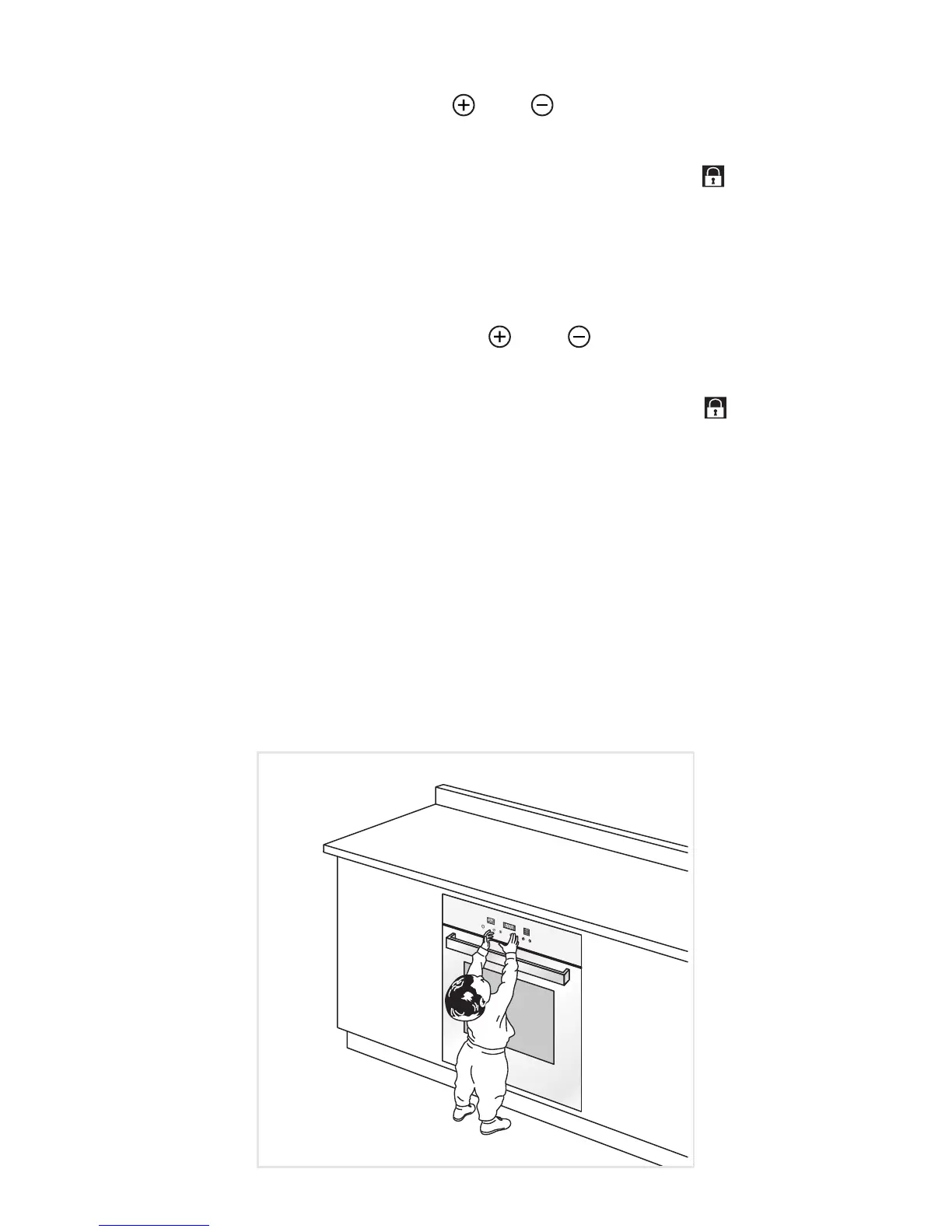
CHILDLOCK SAFETY
To activate the Childlock option touch the “ ” and “ ” keys simultaneously and hold until
the clock/programmer display shows “n--0” and then “On”.
Then the time of the day appears again (followed by the selected programme number
“Pr01, Pr02, ...” when the oven is ON). The temperature display shows “ ”.
When the Childlock option has been selected it is only possible to turn off the oven (stand-
by mode) and operate the timer (minute minder).
In this setting it is not possible to change the oven cooking programme (cooking function,
temperature) and the time selected for a semi-automatic or automatic cooking: if touching
the relative keys “n--0” appears on the central display.
If the oven is turned off (stand-by mode) it is only possible to operate the timer.
To deactivate the “Childlock” option touch the “
” and “ ” keys simultaneously and hold
until the clock/programmer display shows “n--0” and then “OFF”.
Then the time of the day appears again (followed by the selected programme number
“Pr01, Pr02, ...” when the oven is ON). On the temperature display the “
” symbol goes
out.
IMPORTANT: If the oven has been switched OFF (stand-by mode) with the Childlock
option selected it is possible to turn ON the oven only after having deactivated the
Childlock.
Fig. 1.5



 To Next Page