Putting the Telephone into Operation
24
2 Putting the Telephone into Operation
Safety notes
Caution: It is essential to read the safety information in Chapter
1 before preparing the telephone for use.
Checking the contents of the package
The package contains:
Content
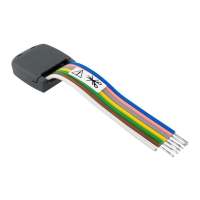
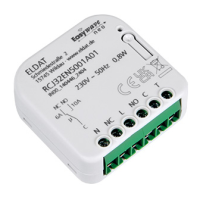
Easywave Fon Alarm
Base unit 1
Power adapter plug 1
Premium receiver 1
Coil cable for the receiver 1
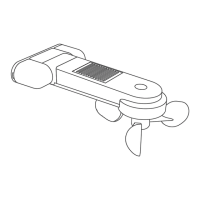
Wristband transmitter RT26
(splashproof)
1
Telephone connection cable 1
Batteries, AA 1.5 V 4
Battery CR2032, 3 V
already installed in wristband transmitter
1
Wall−mounting bracket 1
Operating manual 1
Connecting the telephone
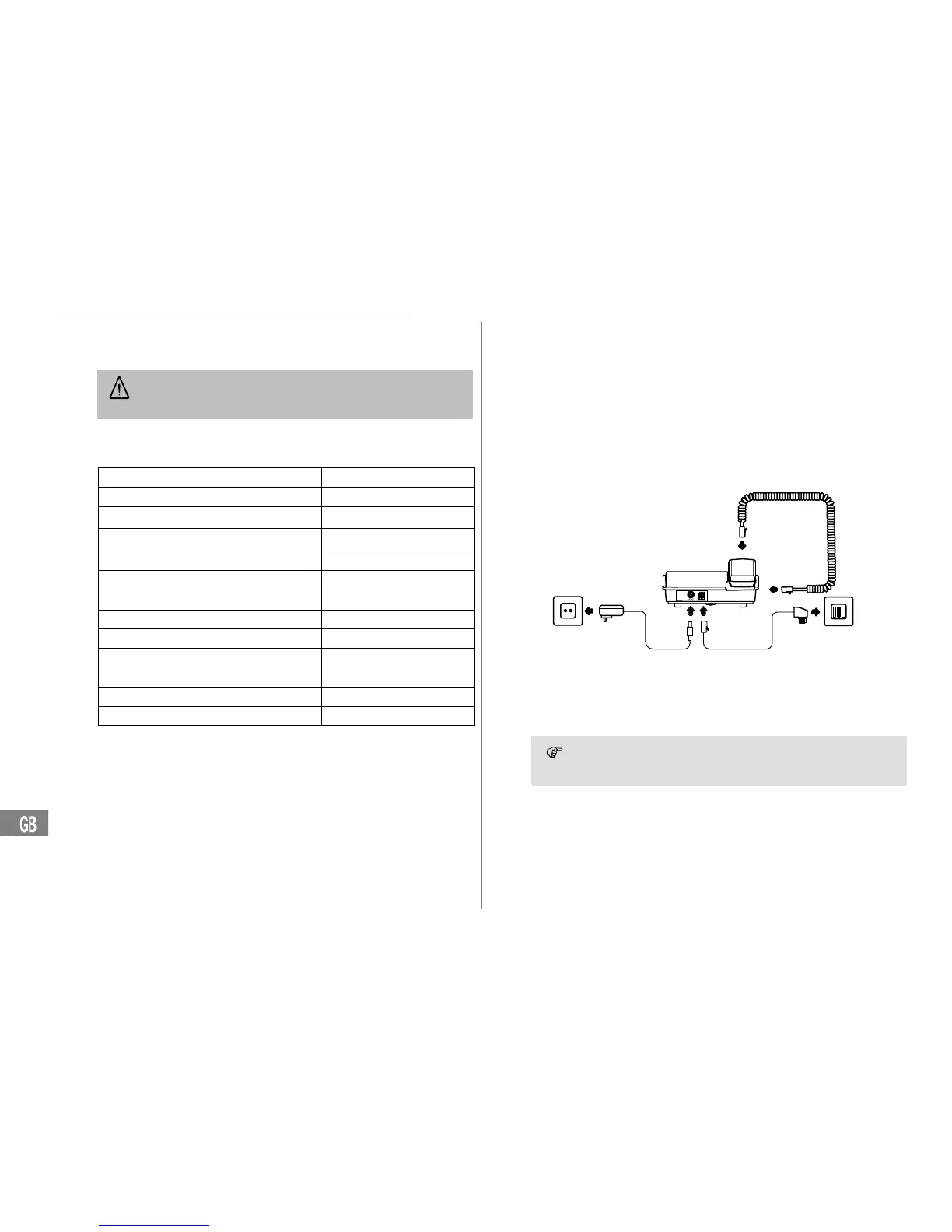
Connect the telephone as illustrated in the diagram. For reasons of safety,
only use the power adapter plug supplied and telephone connection line
enclosed.
Mains power outlet
Telephone line socket
Receiver connection
The telephone can be operated with or without the power adapter
plug. The full range of telephone functions can only be used
when batteries or the power adapter plug are fitted.


 To Next Page