21
Calls List
35
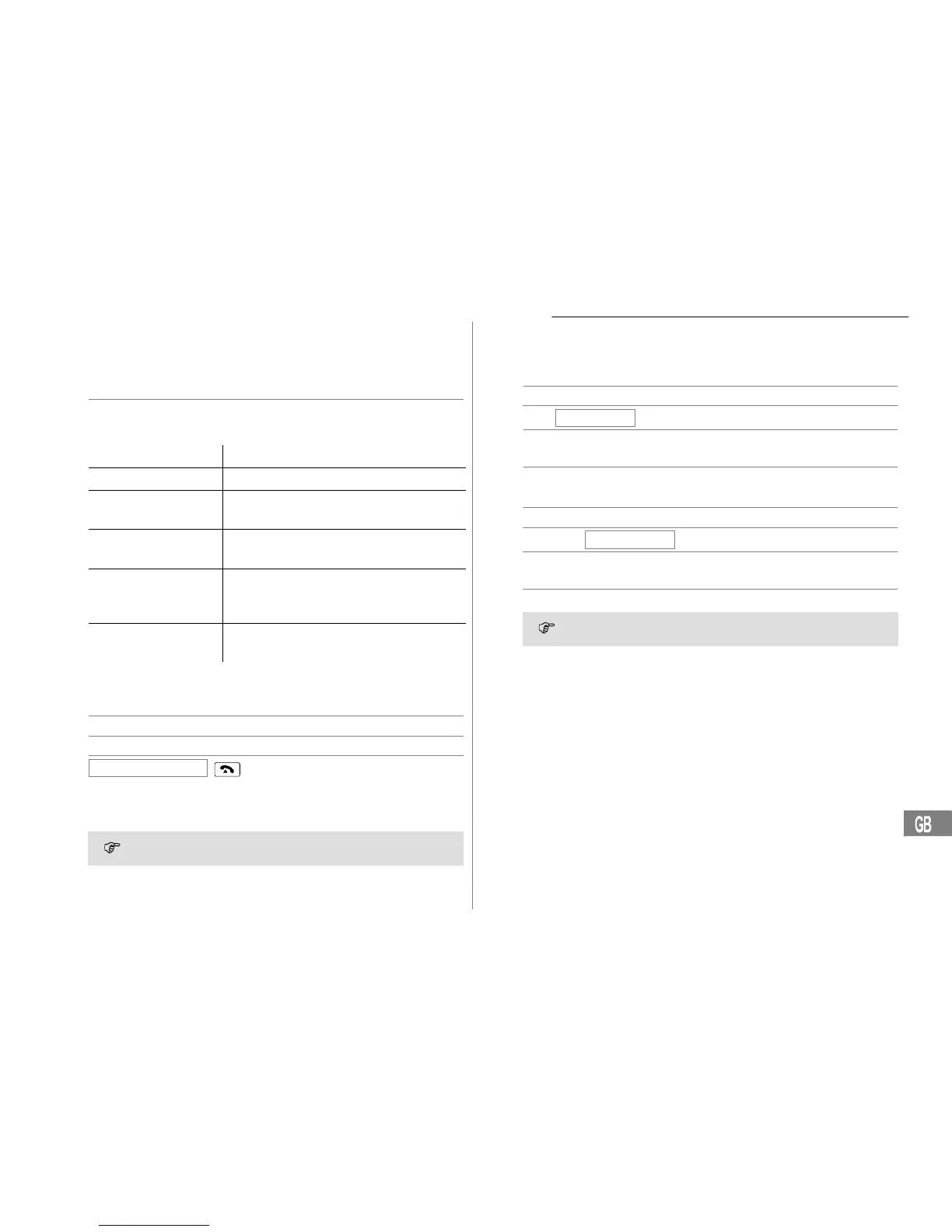
9 Calls List
A total of 64 call numbers can be stored in the calls list. The flashing red
LED indicates new calls in the calls list.
Displaying phone numbers in the calls list
y or z Open the calls list and select an entry
Display messages:
Display Description
NEW The entry in the calls list is new.
REPEAT The caller in the calls list has called several
times.
OUT OF AREA The call concerns an international call or it is
from a PBX.
NO NUMBER The caller’s number is only received in part
or is erroneous. The information on the cal-
ler’s number is not available.
PRIVATE CALL The caller has suppressed transmission of
his number or the call is from a PBX.
Storing numbers from the calls list in the phone book
A phone number stored in the calls list can be transferred directly to the
phone book.
y or z Open the calls list and select an entry
2 sec J Start the storing process
COPY TO MEMORY
,
Confirm the storing process
The phone number is stored in the phone book without a name being as-
signed. Then enter a name for the phone number. Editing entries in
the phone book Page 33.
When the number in the phone book is stored together with a
name, the name entered also appears in the calls list.
Deleting phone numbers from the calls list
Deleting phone numbers individually
y or z Open the calls list and select an entry
DELETE?
Activate the deleting process
2 sec Confirm the deleting process
or
y or z Cancel the deleting process
Deleting all the phone numbers
y or z Open the calls list and select an entry
2 sec
DELETE ALL?
Activate the deleting process
2 sec Confirm the deleting process
or
y or z Cancel the deleting process
Before deleting the phone numbers, check that the entries have
been viewed.


 To Next Page