20
Phone Book
34
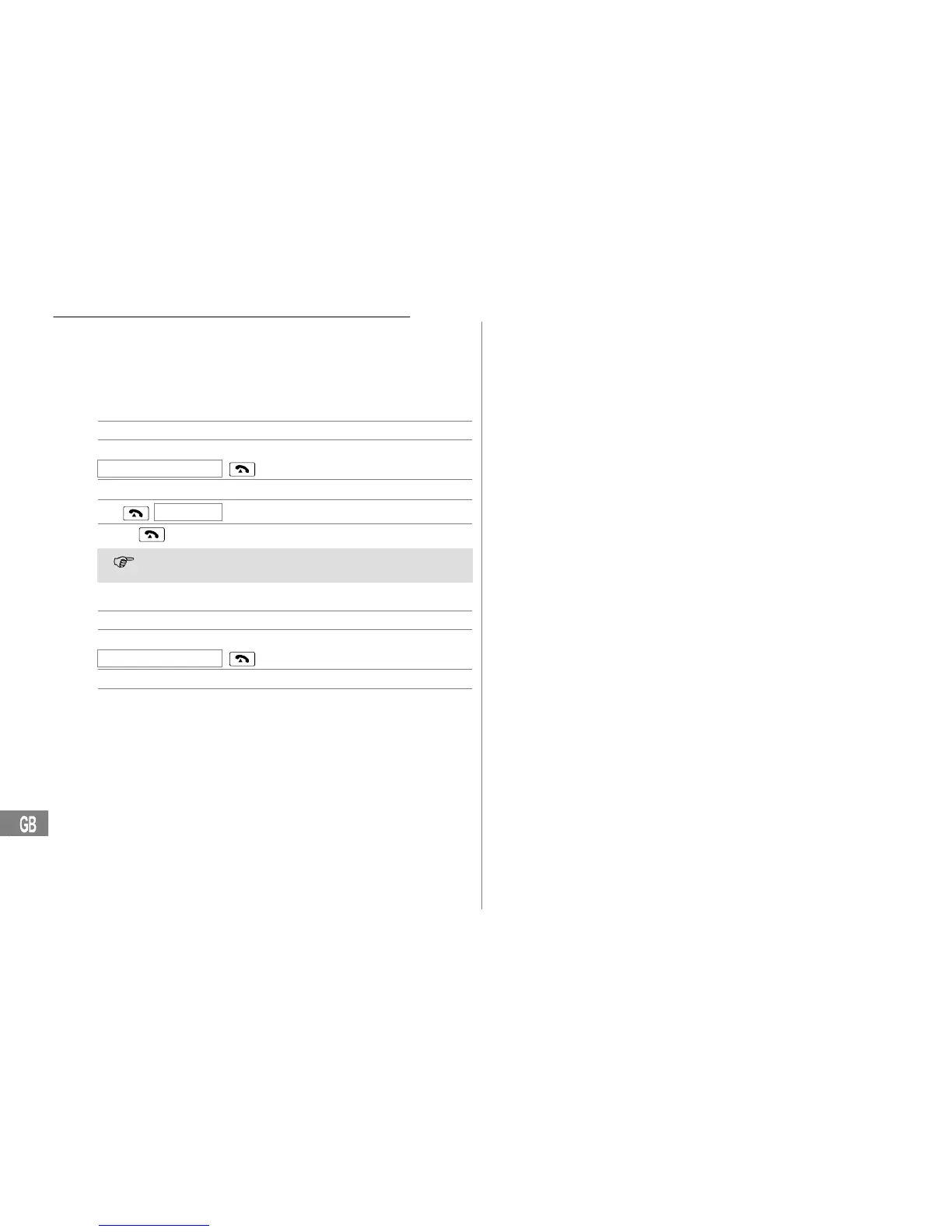
Recording names for phone book entries
A name can be recorded for each phone number stored in the phone
book. When you subsequently select an entry in the phone book, the re-
cording you made for it is played and you can hear the entry you have se-
lected.
Recording names
J Open the main menu
y or z Select the submenu required and
NAME RECORDING
,
confirm it
y or z Select a phone book entry
hold
[VOICE]
Start recording
release
End recording
If the key is not released, recording is automatically stopped after
3 seconds.
Deleting recordings
J Open the main menu
y or z Select the submenu required and
NAME RECORDING
,
confirm it
y or z Select a phone book entry
Press the button during playback to
delete the recording


 To Next Page