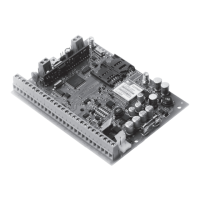
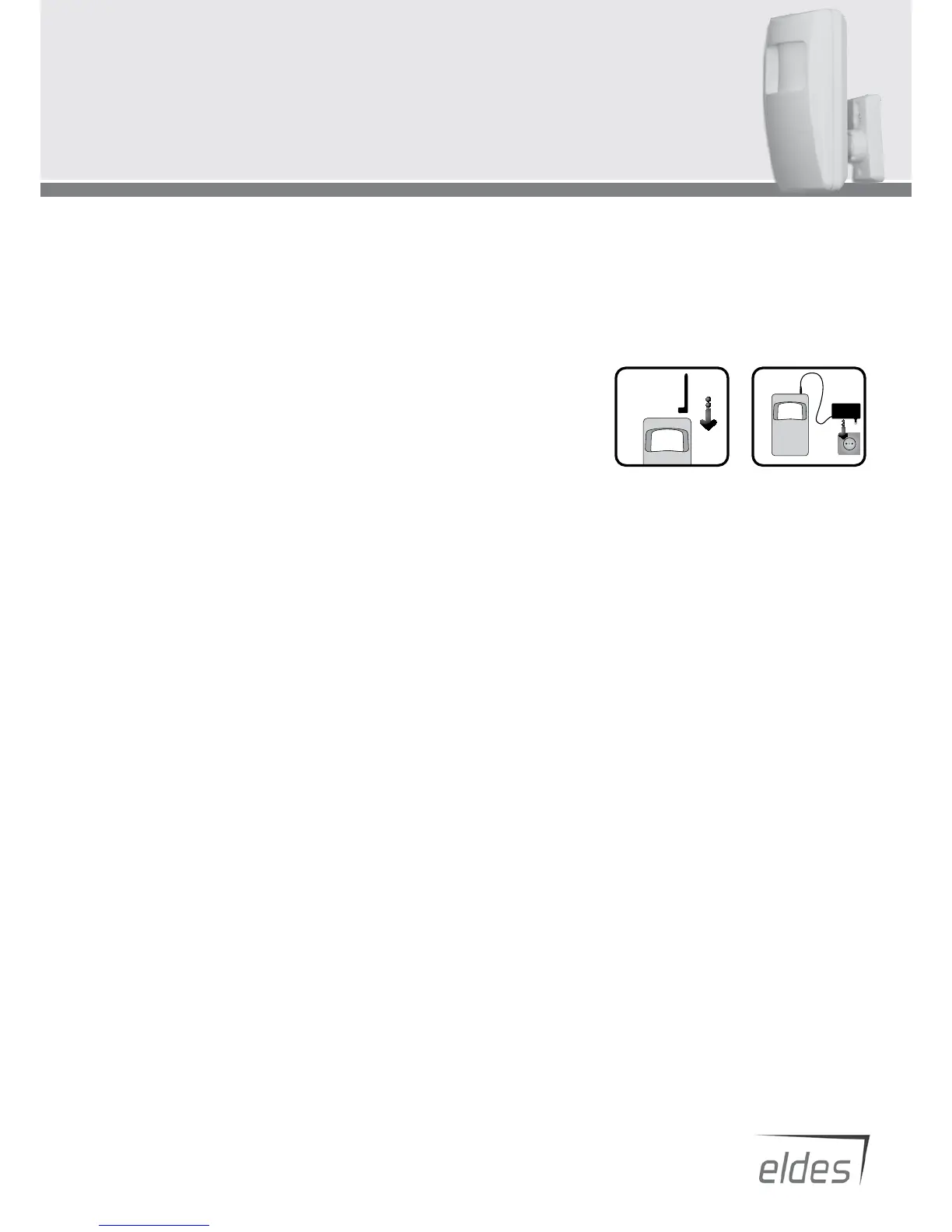
1. Place SIM card in the holder.
Make sure that PIN code at SIM card is disabled
*1
.
2. Connect antenna and
plug power supply connector to the device.
Plug power supply to mains socket.
3. Connect device to the computer using USB cable.
*2
4. Run program EPIR Conguration Tool.
Click button CONNECT in the main window.
5. Change default password to a new one.
Select Users window and update Security section by typing a new password consisting of 4 digits.
6. Set the English language.
Select Users window and update Language section.
7. Upload up to ve dierent users mobile numbers which will have access to control the system.
Select Users window and update Users section with preferred mobile numbers according to the rules
*3
.
8. Save the preferences. Click button Write Settings.
9. Set date and time.
Select Controll window and click button Get PC Time which will update date and time using computer settings. Click button Set Clock.
10. The system is armed by a call from your mobile phone.
*4
*1 - PIN code can be disabled by putting SIM card into mobile phone and following proper menu. *2 – If device is connected to the remaining
computer for the rst time, computer will run installation of required drivers. Then user must wait then it ends and reconnect USB cable. *3 – User
must type mobile number in the international format (it consist of only those digits that overseas callers must type: 44<area code><local number>)
without symbol ‘+’. E.g. the mobile number of user is +44 (0) 113 xxx xxxx, so the correct format to type is 44113xxxxxxx and the wrong ones –
440113xxxxxxx or 0113xxxxxxx. *4 - device will use controll preferences installed by manufacturer. They can be changed by user at any time
Quick Start Guide for ELDES EPIR users
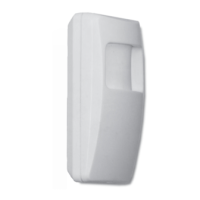
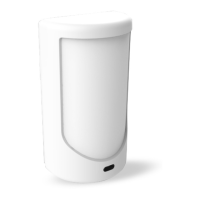
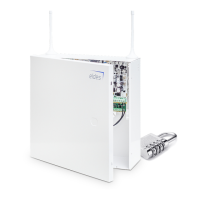
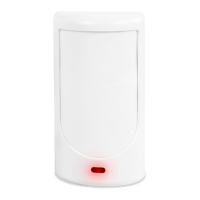
In this guide you will learn how to quickly set and run ELDES EPIR device using
EPIR Conguration Tool program. Here are the most important steps:


 To Previous Page
 Loading...