Need help? Call 1300 516 248
5
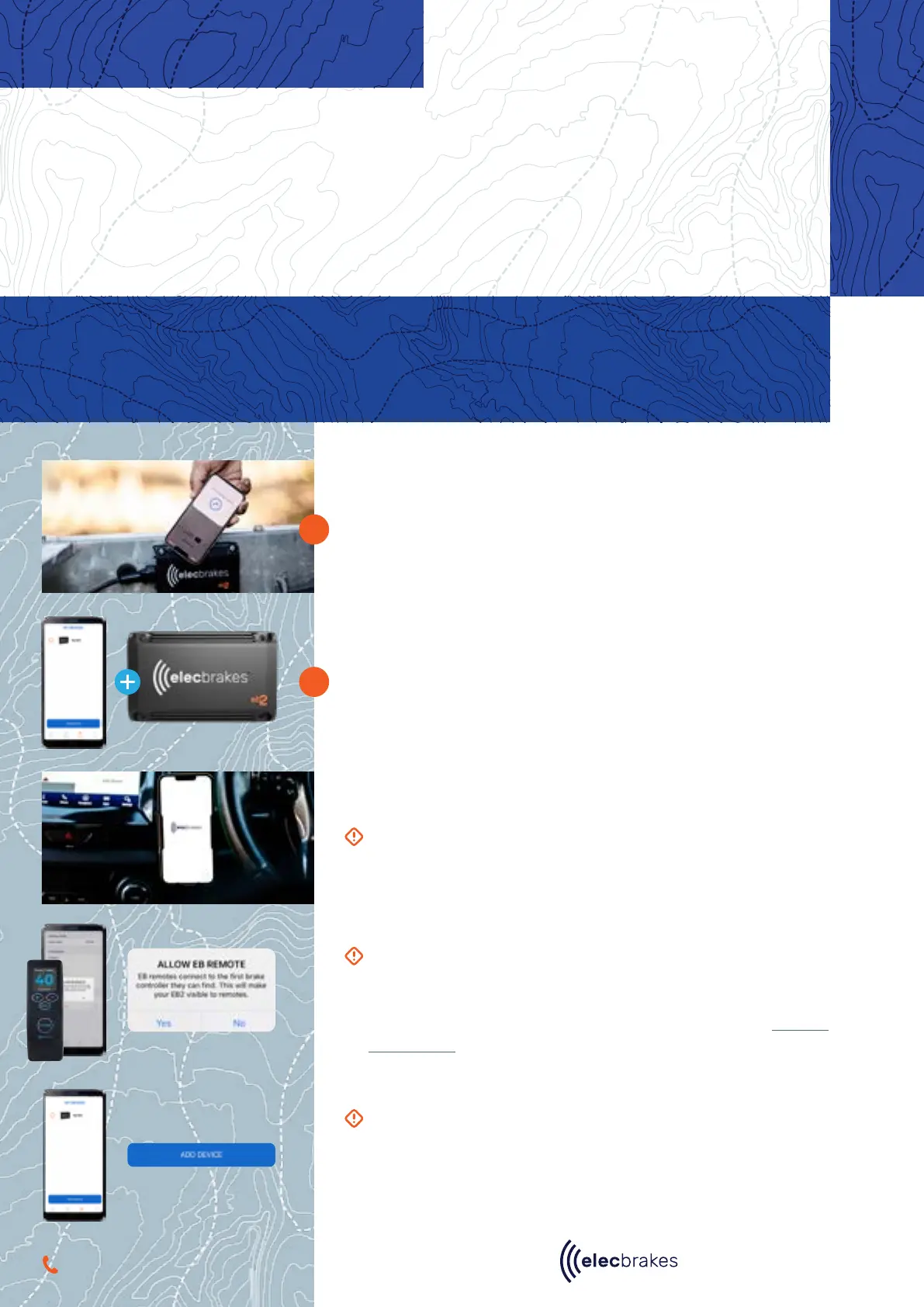
Use our Tap + Tow technology to download the app. Simply tap your
phone to the Elecbrakes logo on your brake controller and download the
app from the App Store or Play Store.
Tap again on the Elecbrakes logo to pair your unit.
3.1
TAP + TOW
1
2
PAIRING THE DEVICE
IF USING THE ELECBRAKES REMOTE:
To connect the Elecbrakes remote, you must first download the
Elecbrakes app. Under ‘settings’ tap “Allow EB Remote”.
For more information on how to use the remote, refer to our Remote
User Manual.
Connecting Your Device
TAP+TOW NOT WORKING?
If NFC is not enabled on your smart phone, then the Tap + Tow
pairing will not work. Try looking in your phones settings to turn on
NFC or alternatively search for the device on the app manually.
IMPORTANT:
When using a mobile phone ensure that it is mounted
securely in a cradle.
Our Tap + Tow technology leverages the power of NFC (near field communication) that is embedded
in most modern smartphones allowing for seamless device pairing, access to unit diagnostics and
providing advanced troubleshooting capabilities all in the palm of your hand.
You can also add the Elecbrakes EB2 manually be tapping ‘Add Device’


 To Next Page